

Django REST框架创建一个简单的Api实例讲解
Create a Simple API Using Django REST Framework in Python
WHAT IS AN API
API stands for application programming interface. API basically helps one web application to communicate with another application.
Let's assume you are developing an android application which has feature to detect the name of a famous person in an image.
Introduce to achieve this you have 2 options:
option 1:
Option 1 is to collect the images of all the famous personalities around the world, build a machine learning/ deep learning or whatever model it is and use it in your application.
option 2:
Just use someone elses model using api to add this feature in your application.
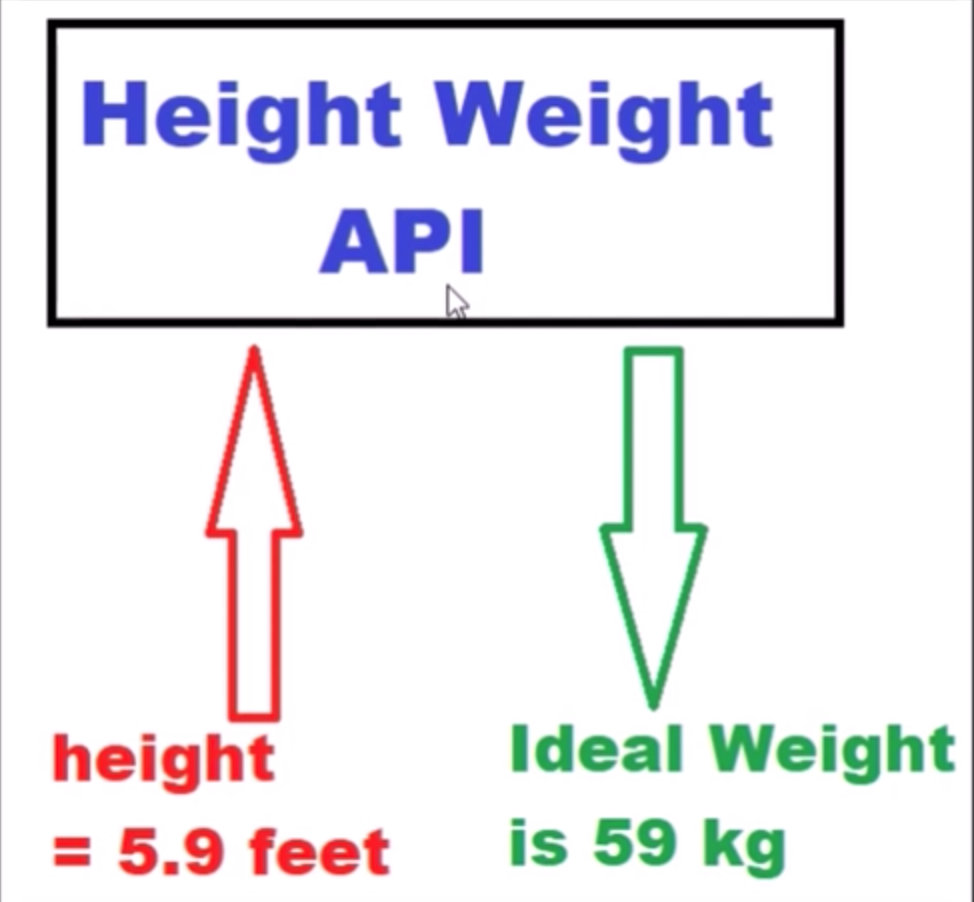
Large companies like Google, they have their own personalities. So if we use their Api, we would not know what logic/code whey have writting inside and how they have trained the model. You will only be given an api(or an url). It works like a black box where you send your request(in our case its the image), and you get the response(which is the name of the person in that image)
Here is an example:
PREREQUISITES
conda install jango
conda install -c conda-forge djangorestframework
Step 1
Create the django project, open the command prompt therre and enter the following command:
django-admin startproject SampleProject
Step 2
Navigate the project folder and create a web app using the command line.
python manage.py startapp MyApp
Step 3
open the setting.py and add the below lines into of code in the INSTALLED_APPS section:
'rest_framework',
'MyApp'
Step 4
Open the views.py file inside MyApp folder and add the below lines of code:
from django.shortcuts import render
from django.http import Http404
from rest_framework.views import APIView
from rest_framework.decorators import api_view
from rest_framework.response import Response
from rest_framework import status
from django.http import JsonResponse
from django.core import serializers
from django.conf import settings
import json
# Create your views here.
@api_view(["POST"])
def IdealWeight(heightdata):
 try:
  height=json.loads(heightdata.body)
  weight=str(height*10)
  return JsonResponse("Ideal weight should be:"+weight+" kg",safe=False)
 except ValueError as e:
  return Response(e.args[0],status.HTTP_400_BAD_REQUEST)
Step 5
Open urls.py file and add the below lines of code:
from django.conf.urls import url
from django.contrib import admin
from MyApp import views
urlpatterns = [
 url(r'^admin/', admin.site.urls),
 url(r'^idealweight/',views.IdealWeight)
]
Step 6
We can start the api with below commands in command prompt:
python manage.py runserver
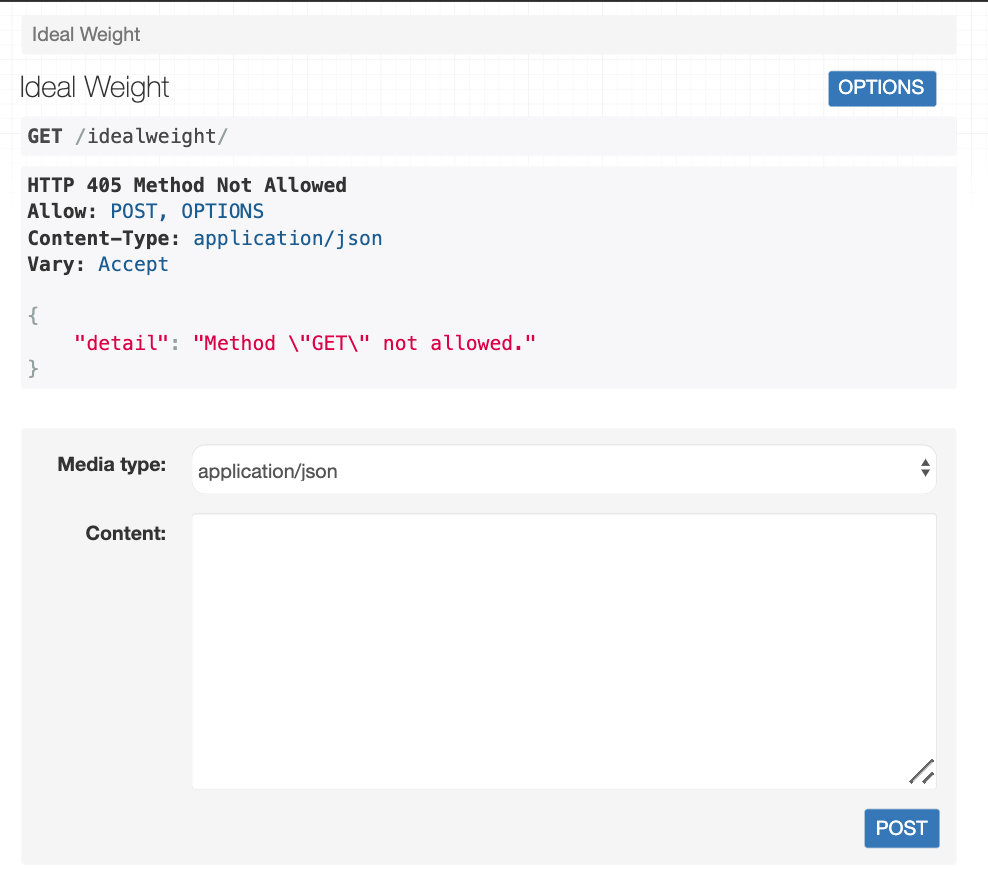
Finally open the url:
http://127.0.0.1:8000/idealweight/
References:
Create a Simple API Using Django REST Framework in Python
以上就是本次介绍的关于Django REST框架创建一个简单的Api实例讲解内容,感谢大家的学习和对脚本之家的支持。
相关文章
 在本篇文章里小编给大家分享的是一篇关于Flask中提供静态文件的实例及相关知识点详解,有兴趣的朋友们可以跟着学习下。2021-12-12
 这篇文章主要介绍了Python实现的远程登录windows系统功能,结合实例形式分析了Python基于wmi模块的远程连接与进程操作相关实现技巧,需要的朋友可以参考下2018-06-06
 作为一个概念而言,正则表达式对于Python来说并不是独有的。但是,Python中的正则表达式在实际使用过程中还是有一些细小的差别。本文是一系列关于Python正则表达式文章的其中一部分。2016-12-12
 在本篇内容中小编给大家整理了关于分析python的优势和不足的分析,有需要的朋友们参考下。2018-11-11
Python机器学习pytorch模型选择及欠拟合和过拟合详解
如何发现可以泛化的模式是机器学习的根本问题,将模型在训练数据上过拟合得比潜在分布中更接近的现象称为过拟合,用于对抗过拟合的技术称为正则化2021-10-10 这篇文章主要介绍了Windows下Python3.6安装第三方模块的方法,需要的朋友可以参考下2018-11-11
 这篇文章主要为大家详细介绍了Python scipy如何利用快速傅里叶变换实现滤波,文中的示例代码讲解详细,感兴趣的小伙伴可以跟随小编一起学习一下2024-01-01
 这篇文章主要介绍了Python tkinter 下拉日历控件代码,具有很好的参考价值,希望对大家有所帮助。一起跟随小编过来看看吧2020-03-03
详解如何使用Pandas删除DataFrame中的非数字类型数据
在数据处理和分析过程中,经常会遇到需要清洗数据的情况,本文将详细介绍如何使用Pandas删除DataFrame中的非数字类型数据,感兴趣的小伙伴可以了解下2024-03-03 网络爬虫成为了自动化数据抓取的核心工具,Python 拥有强大的第三方库支持,在网络爬虫领域的应用尤为广泛,本文将深入探讨 Python 网络爬虫的高阶用法,包括处理反爬虫机制、动态网页抓取、分布式爬虫以及并发和异步爬虫等技术,帮助读者掌握高级Python爬虫技术2024-12-12
最新评论