

Python中如何使用pypandoc进行格式转换操作
更新时间:2025年04月01日 16:40:04 作者:偷藏星星的老周
这篇文章主要介绍了Python中如何使用pypandoc进行格式转换操作,pypandoc是一个强大的文档转换工具,它可以将各种标记语言转换为不同的格式,支持多种输入和输出格式,并允许用户添加自定义样式、模板和过滤器
1.环境准备
首先,我们需要安装必要的工具: 安装必要的库
pip install python-pandoc pypandoc watchdog
注意:需要先在系统中安装pandoc注意:需要先在系统中安装pandoc
Windows: choco install pandoc
Mac: brew install pandoc
Linux: sudo apt-get install pandoc
小贴士:确保系统中已经安装了pandoc,否则Python包无法正常工作
2.基础转换器实现
让我们先创建一个基础的文档转换类:
import pypandoc
import os
from typing import List, Dict
class DocumentConverter:
def \_\_init\_\_(self):
self.supported\_formats =
 {'input': \['md', 'docx', 'html', 'tex', 'epub'\],'output': \['pdf', 'docx', 'html', 'md', 'epub'\]}
def convert\_document(
self, input\_path: str, output\_path: str,extra\_args: List\[str\] = None) -> bool:
"""
转换单个文档
"""
try:input\_format = self.\_get\_file\_format(input\_path)
output\_format = self.\_get\_file\_format(output\_path)
if not self.\_validate\_formats(input\_format, output\_format):
print(f"不支持的格式转换: {input\_format} -> {output\_format}")
return False
# 设置转换参数
args = extra\_args or \[\]
# 执行转换
output = pypandoc.convert\_file(
input\_path,
output\_format,
outputfile=output\_path,
extra\_args=args)
print(f"成功转换: {input\_path} -> {output\_path}")
return True
except Exception as e:
print(f"转换失败: {str(e)}")
return False
def \_get\_file\_format(self, file\_path: str) -> str:
"""获取文件格式"""
return file\_path.split('.')\[-1\].lower()
def \_validate\_formats(self, input\_format: str, output\_format: str) -> bool:
 """验证格式是否支持"""
return (input\_format in self.supported\_formats\['input'\] and
output\_format in self.supported\_formats\['output'\])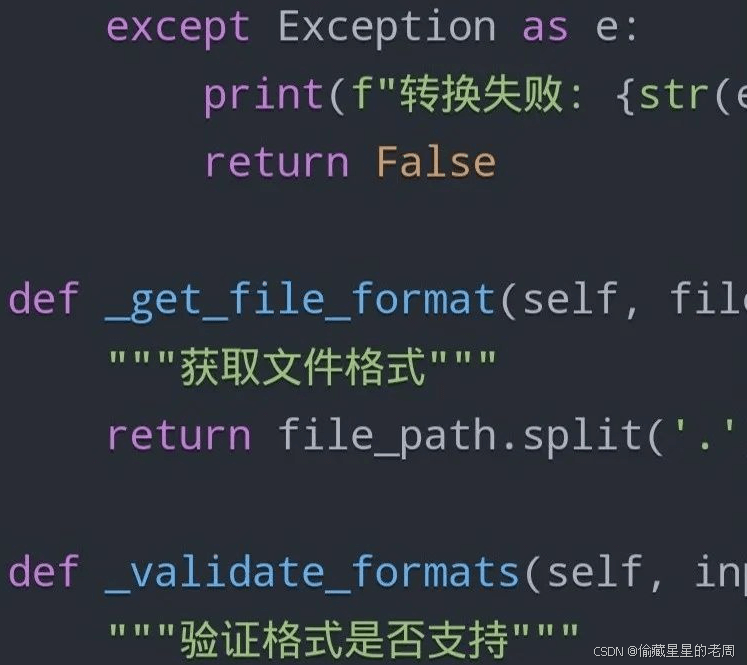
3.增强功能批量转换
让我们添加批量转换功能:
class BatchConverter(DocumentConverter):
def \_\_init\_\_(self): super().\_\_init\_\_()
self.conversion\_stats = {'success': 0,'failed': 0,'skipped': 0}
def batch\_convert(
self,input\_dir: str,output\_dir: str,target\_format: str,recursive: bool = True):
"""批量转换文档"""
# 确保输出目录存在
os.makedirs(output\_dir, exist\_ok=True)
# 收集所有需要转换的文件
files\_to\_convert = \[\]if recursive:
for root, \_, files in os.walk(input\_dir):
for file in files:files\_to\_convert.append(os.path.join(root, file))
else:
files\_to\_convert = \[os.path.join(input\_dir, f)
for f in os.listdir(input\_dir)if os.path.isfile(os.path.join(input\_dir, f))\]
# 执行转换
for input\_file in files\_to\_convert:input\_format = self.\_get\_file\_format(input\_file)
# 检查是否是支持的输入格式
if input\_format not in self.supported\_formats\['input'\]:
print(f"跳过不支持的格式: {input\_file}")
self.conversion\_stats\['skipped'\] += 1
continue
# 构建输出文件路径
rel\_path = os.path.relpath(input\_file, input\_dir)output\_file = os.path.join
(output\_dir,os.path.splitext(rel\_path)\[0\] + f".{target\_format}")
# 确保输出目录存在
os.makedirs(os.path.dirname(output\_file), exist\_ok=True)
# 执行转换
if self.convert\_document(input\_file, output\_file):
self.conversion\_stats\['success'\] += 1
else:
self.conversion\_stats\['failed'\] += 1
return self.conversion\_stats 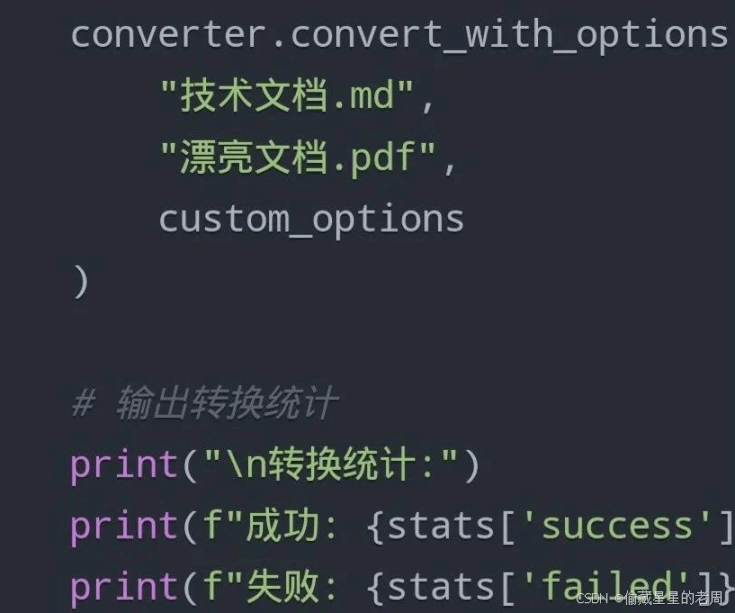
4.高级功能自定义转换选项
class AdvancedConverter(BatchConverter):
def \_\_init\_\_(self):
super().\_\_init\_\_()
self.conversion\_options = {'pdf': \['--pdf-engine=xelatex','--variable', 'mainfont=SimSun'  # 中文支持\],
'docx': \['--reference-doc=template.docx'  # 自定义模板\],
'html': \['--self-contained',  # 独立HTML文件'--css=style.css'    # 自定义样式\]}
def convert\_with\_options(
self,input\_path: str,output\_path: str,options: Dict\[str, str\] = None):
"""使用自定义选项进行转换"""
output\_format = self.\_get\_file\_format(output\_path)
# 合并默认选项和自定义选项
args = self.conversion\_options.get(output\_format, \[\]).copy()
if options:
for key, value in options.items():args.extend(\[f'--{key}', value\])
return
self.convert\_document(input\_path, output\_path, args)
实际应用示例
让我们来看看如何使用这个转换工具:
if \_\_name\_\_ == "\_\_main\_\_":
# 创建转换器实例
converter = AdvancedConverter()
# 单个文件转换示例
converter.convert\_document("我的文档.md","输出文档.pdf")
# 批量转换示例
stats = converter.batch\_convert("源文档目录","输出目录","pdf",recursive=True)
# 使用自定义选项转换
custom\_options = {
'toc': '',  # 添加目录
'number-sections': '',  # 添加章节编号
'highlight-style': 'tango'  # 代码高亮样式}
converter.convert\_with\_options(
"技术文档.md",
"漂亮文档.pdf",
custom\_options)
# 输出转换统计
print("\\n转换统计:")
print(f"成功: {stats\['success'\]}个文件")
print(f"失败: {stats\['failed'\]}个文件")
print(f"跳过: {stats\['skipped'\]}个文件")
小贴士和注意事项
- 确保安装了所有需要的字体和PDF引擎
- 大文件转换时注意内存使用
- 中文文档转换时需要特别注意字体设置
- 保持良好的错误处理和日志记录
以上就是Python中如何使用pypandoc进行格式转换操作的详细内容,更多关于Python pypandoc格式转换的资料请关注脚本之家其它相关文章!
您可能感兴趣的文章:
相关文章

解决keras GAN训练是loss不发生变化,accuracy一直为0.5的问题
这篇文章主要介绍了解决keras GAN训练是loss不发生变化,accuracy一直为0.5的问题,具有很好的参考价值,希望对大家有所帮助。一起跟随小编过来看看吧2020-07-07 这篇文章主要为大家介绍了django中使用memcached示例详解,有需要的朋友可以借鉴参考下,希望能够有所帮助,祝大家多多进步,早日升职加薪2022-06-06
 这篇文章主要介绍了python实现socket简单通信的示例代码,文中通过示例代码介绍的非常详细,对大家的学习或者工作具有一定的参考学习价值,需要的朋友们下面随着小编来一起学习学习吧2021-04-04
使用django的objects.filter()方法匹配多个关键字的方法
今天小编就为大家分享一篇使用django的objects.filter()方法匹配多个关键字的方法,具有很好的参考价值,希望对大家有所帮助。一起跟随小编过来看看吧2019-07-07 这篇文章主要介绍了Python画图练习案例分享,文章基于Python实现各种画图,具有一定的参考价值,感兴趣的小伙伴可以参考一下2022-07-07
Python3多进程 multiprocessing 模块实例详解
这篇文章主要介绍了Python3多进程 multiprocessing 模块,结合实例形式详细分析了Python3多进程 multiprocessing 模块的概念、原理、相关方法使用技巧与注意事项,需要的朋友可以参考下2018-06-06 这篇文章主要介绍了python 字符串常用函数,本文通过实例代码给大家介绍的非常详细,具有一定的参考借鉴价值,需要的朋友可以参考下2019-09-09
Windows中安装使用Virtualenv来创建独立Python环境
有时我们的程序中需要调用不同版本的Python包和模块,那么借助Virtualenv的虚拟环境就可以帮助我们隔离使用,接下来我们就来看一下在Windows中安装使用Virtualenv来创建独立Python环境的方法2016-05-05 YOLOV4出现之后不久,YOLOv5横空出世,YOLOv5在YOLOv4算法的基础上做了进一步的改进,检测性能得到进一步的提升,这篇文章主要给大家介绍了关于YOLOV5代码详解之损失函数计算的相关资料,需要的朋友可以参考下2022-03-03
 这篇文章主要介绍了python opencv 批量改变图片的尺寸大小的方法,文中通过示例代码介绍的非常详细,对大家的学习或者工作具有一定的参考学习价值,需要的朋友们下面随着小编来一起学习学习吧2019-06-06
最新评论