

Flash AS2实例 跳动的小球动画效果
发布时间:2009-11-30 23:27:32 作者:佚名  我要评论
我要评论
我要评论Flash AS2实例:跳动的小球动画效果.
效果显示:
详细代码:
//AS2.0 QQ:31559783 2009.11.28
MovieClip.prototype.zl = function() {
this.vg = 0.7;
this.vy = 0;
this.vx = 0;
this.an = true;
this.onEnterFrame = function() {
this.vy += this.vg;
this._y += this.vy;
this._x += this.vx;
if (this._x>550) {
this._x = 0;
}
if (this._x<0) {
this._x = 550;
}
if (this._y>300) {
this._y = 300;
this.vy *= -0.5;
this.vx *= 0.9;
}
if (this._y == 300 && this.an == true) {
ss(this._x, this._y);
}
if (this._y == 300 && Math.abs(this.vy) >> 0 == 0) {
this.an = false;
}
};
this.tt = function() {
this.vg = 0.7;
this.vy = 0;
this.vx -= (this._x-_root._xmouse)/30;
this.dy = this._y-_root._ymouse;
this.vy -= this.dy/10;
};
};
function ss(X, Y) {
var sj = (Math.random()*10+20) >> 0;
for (var i = 0; i<sj; i++) {
var mc = this.createEmptyMovieClip("huaxian_mc", this.getNextHighestDepth());
mc._x = X;
mc._y = Y;
mc.lineStyle(Math.random()*3, 0, 100);
mc.moveTo(0, 0);
mc.lineTo(1, 0);
mc.vx = random(20)-10;
mc.vy = random(20)-10;
mc.onEnterFrame = function() {
this._x += this.vx;
this._y += this.vy;
this.vy += 0.8;
this._alpha -= 2;
if (this._alpha<1 || this._y>=300) {
this.removeMovieClip();
}
};
}
}
mc.zl();
mc1.zl();
this.onMouseDown = function() {
if (mc.an == false) {
ss(mc._x, mc._y);
mc.an = true;
mc.tt();
}
};
this.onEnterFrame = function() {
if (random(50) == 0) {
if (mc1.an == false) {
ss(mc1._x, mc1._y);
mc1.an = true;
mc1.tt();
}
}
};
flv文件下载 跳跃的小球
详细代码:
复制代码
代码如下://AS2.0 QQ:31559783 2009.11.28
MovieClip.prototype.zl = function() {
this.vg = 0.7;
this.vy = 0;
this.vx = 0;
this.an = true;
this.onEnterFrame = function() {
this.vy += this.vg;
this._y += this.vy;
this._x += this.vx;
if (this._x>550) {
this._x = 0;
}
if (this._x<0) {
this._x = 550;
}
if (this._y>300) {
this._y = 300;
this.vy *= -0.5;
this.vx *= 0.9;
}
if (this._y == 300 && this.an == true) {
ss(this._x, this._y);
}
if (this._y == 300 && Math.abs(this.vy) >> 0 == 0) {
this.an = false;
}
};
this.tt = function() {
this.vg = 0.7;
this.vy = 0;
this.vx -= (this._x-_root._xmouse)/30;
this.dy = this._y-_root._ymouse;
this.vy -= this.dy/10;
};
};
function ss(X, Y) {
var sj = (Math.random()*10+20) >> 0;
for (var i = 0; i<sj; i++) {
var mc = this.createEmptyMovieClip("huaxian_mc", this.getNextHighestDepth());
mc._x = X;
mc._y = Y;
mc.lineStyle(Math.random()*3, 0, 100);
mc.moveTo(0, 0);
mc.lineTo(1, 0);
mc.vx = random(20)-10;
mc.vy = random(20)-10;
mc.onEnterFrame = function() {
this._x += this.vx;
this._y += this.vy;
this.vy += 0.8;
this._alpha -= 2;
if (this._alpha<1 || this._y>=300) {
this.removeMovieClip();
}
};
}
}
mc.zl();
mc1.zl();
this.onMouseDown = function() {
if (mc.an == false) {
ss(mc._x, mc._y);
mc.an = true;
mc.tt();
}
};
this.onEnterFrame = function() {
if (random(50) == 0) {
if (mc1.an == false) {
ss(mc1._x, mc1._y);
mc1.an = true;
mc1.tt();
}
}
};
flv文件下载 跳跃的小球
相关文章
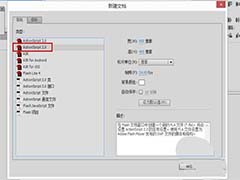 flash cs6想要实现鼠标跟随效果?该怎么制作呢?今天我们就来看看使用as2.0实现鼠标跟随效果的教程,需要的朋友可以参考下2019-05-19
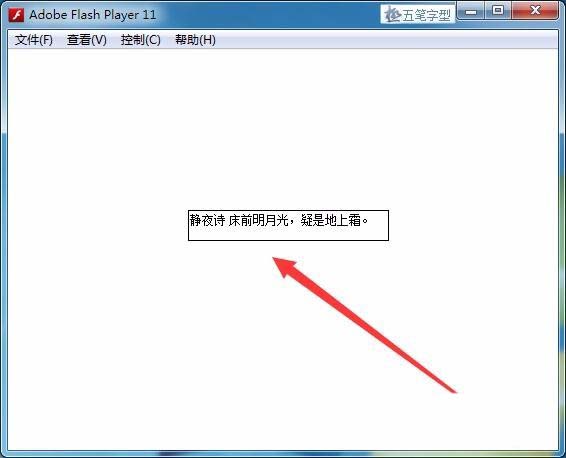 Flash cs6怎么使用代码输入中英文文本?Flash cs6中可以使用文字工具直接输入文本,也可以使用代码来输入文本,该怎么使用代码输入文本呢?请看下文详细的教程,需要的朋友2018-03-11
 flash as3.0抽象类怎么定义? as3.0中有很多抽象类,该怎么定义抽象类和抽象方法呢?下面我们就来看看简单的例子,需要的朋友可以参考下http://www.jb51.net/softs/408402.2018-02-28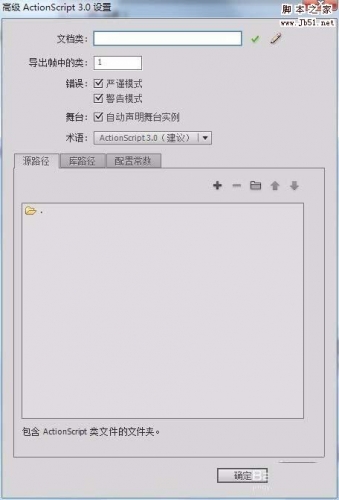
flash cs6中怎么使用ActionScript3.0?
flash cs6中怎么使用ActionScript3.0?flash cs6中想要使用ActionScript3.0功能,该怎么使用呢?下面我们就来看看详细的教程,需要的朋友可以参考下2018-01-25 本教程给大家分享一个Flash小教程,教大家在Flash CS6中怎么实现鼠标点击决定图像位置?方法很简单,感兴趣的朋友欢迎前来一起分享学习2018-01-12
 本教程教脚本之家的ActionScript教程学习者在Flash中如何用代码将图片放在自己想要的舞台位置,教程讲解的详细,感兴趣的朋友欢迎前来分享学习2017-11-20
 本教程教脚本之家的ActionScript教程学习者如何在Flash CS6中使用with函数绘制背景图?教程一步步讲解的挺详细,方法也不难,非常适合Flash新手入门学习2017-11-18
Flash怎么设置元件坐标?flash使用代码设置元件的坐标的教程
Flash怎么设置元件坐标?flash中导如的元件需要添加坐标,该怎么定位元件坐标呢?下面我们就来看看flash使用代码设置元件的坐标的教程,需要的朋友可以参考下2017-10-11 Flash怎么制作来回摇摆的花朵的动画?Flash中想要给花朵制作一段摇摆的动画效果,该怎么制作呢?下面我们就来看看详细的教程,很简单,需要的朋友可以参考下2017-05-23
 Flash怎么制作流动七彩色的文字?想要让文字动起来,该怎么使用flash给文字制作一个流动七彩色的动画呢?下面我们就来看看详细的教程,需要的朋友可以参考下2017-04-23


最新评论