

Vue3实现粒子动态背景的示例详解
更新时间:2023年11月22日 14:46:01 作者:会说法语的猪
这篇文章主要为大家详细介绍了如何利用Vue3实现粒子动态背景,文中的示例代码讲解详细,具有一定的学习价值,感兴趣的小伙伴可以跟随小编一起了解一下
npm: https://www.npmjs.com/package/particles.vue3
安装
pnpm add particles.vue3
pnpm add tsparticles-slim
注册
main.js
import { createApp } from 'vue'
import type { App } from 'vue'
import globleApp from './App.vue'
import router from './router'
import Particles from "particles.vue3"

const app: App = createApp(globleApp)

app.use(router)
   .use(Particles)
   .mount('#app')
引入使用
完整代码
<template>
  <div class="wft-particles-container" :style="particlesContainerStyle">
    <vue-particles
      id="wft-tsparticles"
      :particlesInit="particlesInit"
      :options="particlesOpt"
    />
  </div>
</template>
<script setup lang="ts">
import particlesOpt from './config/particles1'
import { loadSlim } from "tsparticles-slim"
import { computed } from 'vue'

const props = withDefaults(defineProps<{
  width?: string | number,
  height?: string | number,
  backgroundColor?: string,
  backgroundImage?: string
}>(), {
  width: '100%',
  height: '100%',
  backgroundColor: '#002a3a',
  backgroundImage: ''
})

const particlesContainerStyle = computed(() => {
  return {
    width: typeof props.width === 'string' ? props.width : props.width + 'px',
    height: typeof props.height === 'string' ? props.height : props.height + 'px',
    backgroundColor: props.backgroundColor,
    backgroundImage: `url(${props.backgroundImage})`
  }
})

const particlesInit = async (engine: any) => {
  await loadSlim(engine);
}
</script>
<style scoped>
.wft-particles-container {
  display: flex;
  justify-content: center;
  align-items: center;
  position: relative;
  background-size: 100% 100%;
  background-repeat: no-repeat;
}

#wft-tsparticles {
  position: absolute;
  left: 0;
  top: 0;
  width: 100%;
  height: 100%;
  z-index: 0;
}
</style>
其中的options配置:
可以在同级新建config文件夹,新建particles1.ts, particles2.ts,里面定义配置项数据并向外导出
①
export default {
  // background: {
  //   color: {
  //     value: '#002a3a'
  //   }
  // },
  fpsLimit: 60,
  interactivity: {
    detectsOn: 'canvas',
    events: {
      onClick: { // 开启鼠标点击的效果
        enable: true,
        mode: 'push'
      },
      onHover: { // 开启鼠标悬浮的效果(线条跟着鼠标移动)
        enable: true,
        mode: 'grab'
      },
      resize: true
    },
    modes: { // 配置动画效果
      bubble: {
        distance: 400,
        duration: 2,
        opacity: 0.8,
        size: 40
      },
      push: {
        quantity: 4
      },
      grab: {
        distance: 200,
        duration: 0.4
      },
      attract: { // 鼠标悬浮时,集中于一点,鼠标移开时释放产生涟漪效果
        distance: 200,
        duration: 0.4,
        factor: 5
      }
    }
  },
  particles: {
    color: {
      value: '#6AECFF' // 粒子点的颜色
    },
    links: {
      color: '#6AECFF', // 线条颜色
      distance: 150,
      enable: true,
      opacity: 0.5, // 不透明度
      width: 2   // 线条宽度
    },
    collisions: {
      enable: true
    },
    move: {
      attract: { enable: false, rotateX: 600, rotateY: 1200 },
      bounce: false,
      direction: 'none',
      enable: true,
      out_mode: 'out',
      random: false,
      speed: 1, // 移动速度
      straight: false
    },
    number: {
      density: {
        enable: true,
        value_area: 800
      },
      value: 80
    },
    opacity: {
      value: 0.5
    },
    shape: {
      type: 'circle'
    },
    size: {
      random: true,
      value: 5
    }
  },
  detectRetina: true
}
②
export default {
  // background: {
  //   color: {
  //     value: '#0d47a1'
  //   }
  // },
  fpsLimit: 120,
  interactivity: {
    events: {
      onClick: {
        enable: true,
        mode: 'push'
      },
      onHover: {
        enable: true,
        mode: 'repulse'
      },
      resize: true
    },
    modes: {
      bubble: {
        distance: 400,
        duration: 2,
        opacity: 0.8,
        size: 40
      },
      push: {
        quantity: 4
      },
      repulse: {
        distance: 200,
        duration: 0.4
      }
    }
  },
  particles: {
    color: {
      value: '#ffffff'
    },
    links: {
      color: '#ffffff',
      distance: 150,
      enable: true,
      opacity: 0.5,
      width: 1
    },
    collisions: {
      enable: true
    },
    move: {
      direction: 'none',
      enable: true,
      outModes: {
        default: 'bounce'
      },
      random: false,
      speed: 6,
      straight: false
    },
    number: {
      density: {
        enable: true,
        area: 800
      },
      value: 80
    },
    opacity: {
      value: 0.5
    },
    shape: {
      type: 'circle'
    },
    size: {
      value: { min: 1, max: 5 },
    }
  },
  detectRetina: true
}
效果
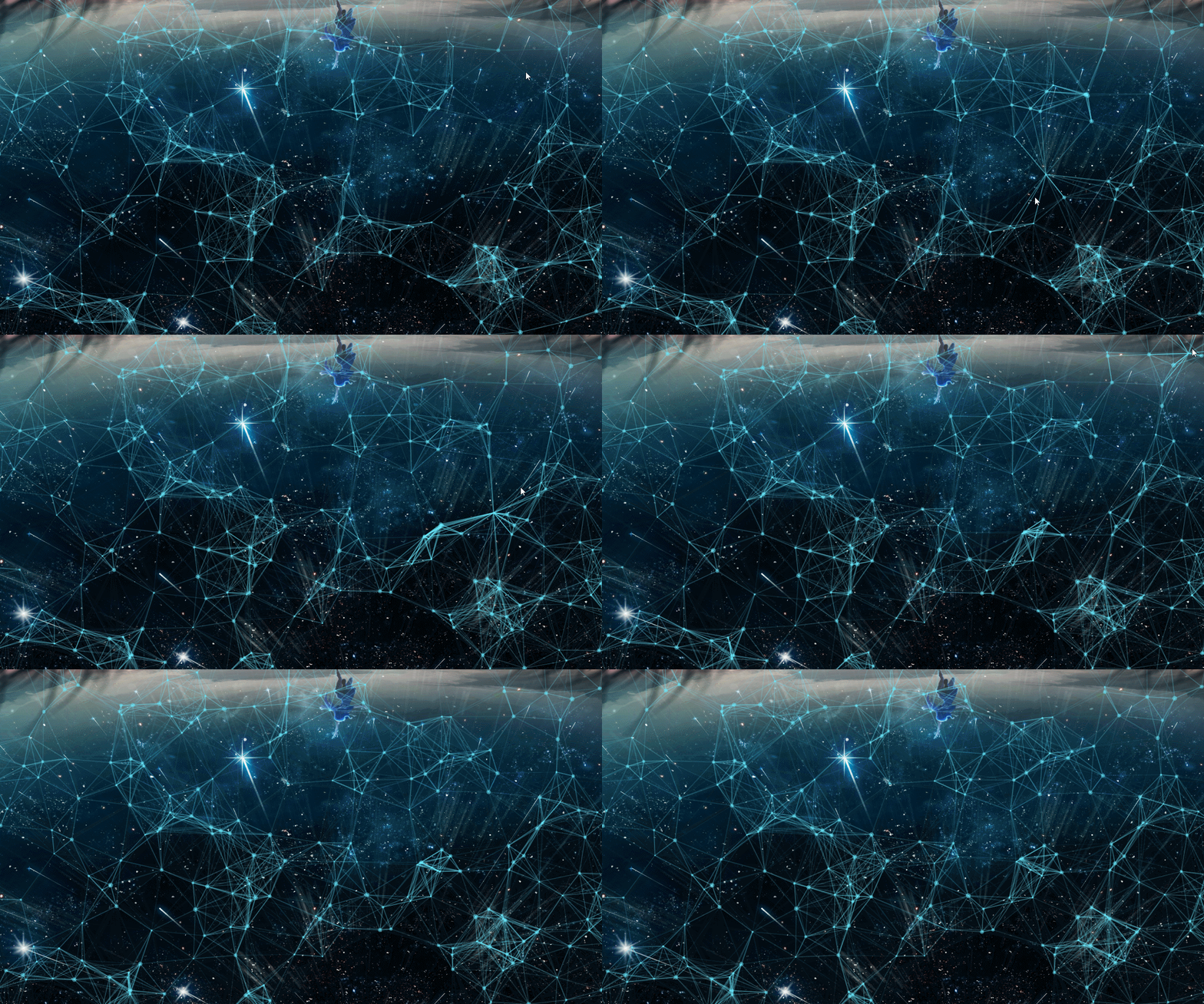
到此这篇关于Vue3实现粒子动态背景的示例详解的文章就介绍到这了,更多相关Vue3粒子动态背景内容请搜索脚本之家以前的文章或继续浏览下面的相关文章希望大家以后多多支持脚本之家!
相关文章

Vite中使用Ant Design Vue3.x框架教程示例
这篇文章主要为大家介绍了Vite中使用Ant Design Vue3.x框架教程示例详解,有需要的朋友可以借鉴参考下,希望能够有所帮助,祝大家多多进步,早日升职加薪2022-06-06 Pinia是Vue的存储库,它允许您跨组件/页面共享状态,Pinia的成功可以归功于他管理存储数据的独特功,下面这篇文章主要给大家介绍了关于Vue3中pinia使用方法的相关资料,需要的朋友可以参考下2023-04-04
 用户自行开发了一个Vue登录注册组件,采用Bootstrap表单样式,简单实现防短信轰炸功能,但因接口存在bug仅模拟了登录注册流程2025-07-07
 本篇文章记录仿写一个el-tooltip组件细节,从而有助于大家更好理解饿了么ui对应组件具体工作细节,本文是elementui源码学习仿写系列的又一篇文章,后续空闲了会不断更新并仿写其他组件2023-07-07
 这篇文章主要介绍了Ant Design Vue日期组件的时间限制方式,具有很好的参考价值,希望对大家有所帮助。如有错误或未考虑完全的地方,望不吝赐教2023-04-04
 这篇文章详细介绍了Vue.js项目的基本结构和执行流程,包括index.html、main.js、App.vue和路由配置的关系,特别强调了在index.html中设置BASE_URL和cdn的使用,以及在main.js中使用render函数来减少打包体积2025-01-01
 这篇文章主要给大家介绍了vant样式不生效问题的解决办法,文中通过示例代码介绍的非常详细,对大家学习或者工作具有一定的参考学习价值,需要的朋友可以参考下2023-06-06
 这篇文章主要介绍了Vue3+Vite项目使用mockjs随机模拟数据,需要的朋友可以参考下2023-01-01
 这篇文章主要介绍了vue自定义全局消息框组件问题及解决方法,本文给大家介绍的非常详细,具有一定的参考借鉴价值,需要的朋友可以参考下2019-11-11
 这篇文章主要为大家详细介绍了vue实现大转盘抽奖功能,文中示例代码介绍的非常详细,具有一定的参考价值,感兴趣的小伙伴们可以参考一下2022-03-03
最新评论