

SpringBoot单元测试解读
更新时间:2025年02月18日 14:05:28 作者:Exill
SpringBoot提供了基于JUnit5的测试工具,方便进行测试,默认导入相关依赖,创建测试类,使用断言(Assertions类)进行断言操作,支持参数化测试
SpringBoot提供一系列基于JUnit5的测试工具方便测试
1.导入
SpringBoot项目默认自动导入该依赖
        <dependency>
            <groupId>org.springframework.boot</groupId>
            <artifactId>spring-boot-starter-test</artifactId>
            <scope>test</scope>
        </dependency>
默认创建的测试类
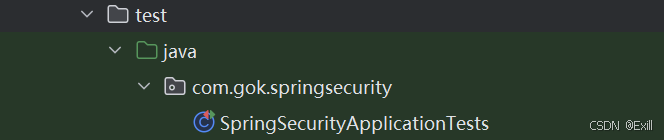
@SpringBootTest
//有这个注解才能使用SpringBoot容器bean
//没有此注解就是普通JUnit5
class SpringSecurityApplicationTests {

    @Test
    void contextLoads() {
    }

}
2.使用
@SpringBootTest
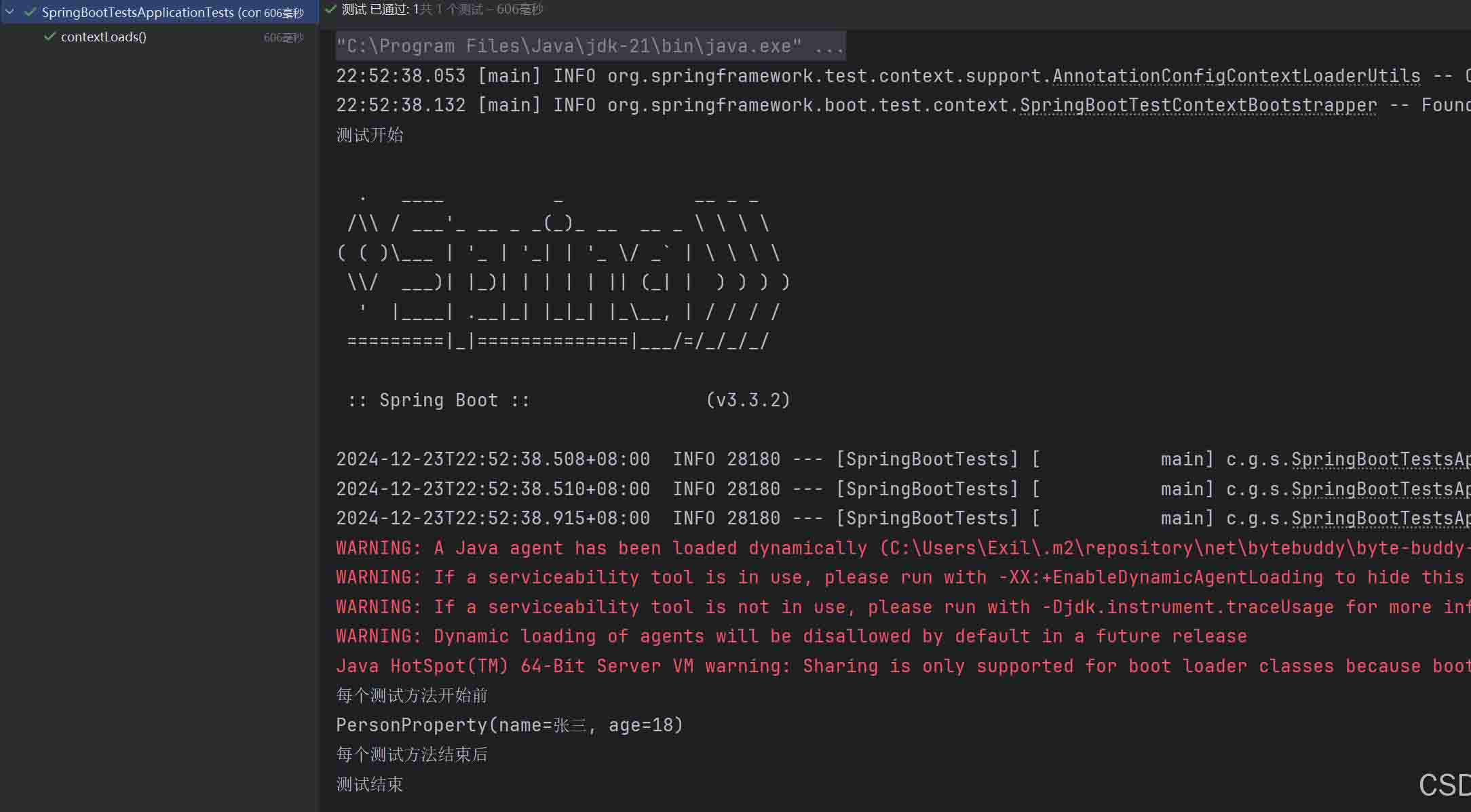
class SpringBootTestsApplicationTests {

    @Resource//注入IOC中的bean
    PersonProperty person;

    @Test//测试方法
    void contextLoads() {
        System.out.println(person);
    }

    @BeforeEach//每个测试方法开始前
    void beforeEach(){
        System.out.println("每个测试方法开始前");
    }

    @AfterEach//每个测试方法结束后
    void afterEach(){
        System.out.println("每个测试方法结束后");
    }

    @BeforeAll//测试开始
    static void beforeAll(){
        System.out.println("测试开始");
    }

    @AfterAll//测试结束
    static void afterAll(){
        System.out.println("测试结束");
    }
}
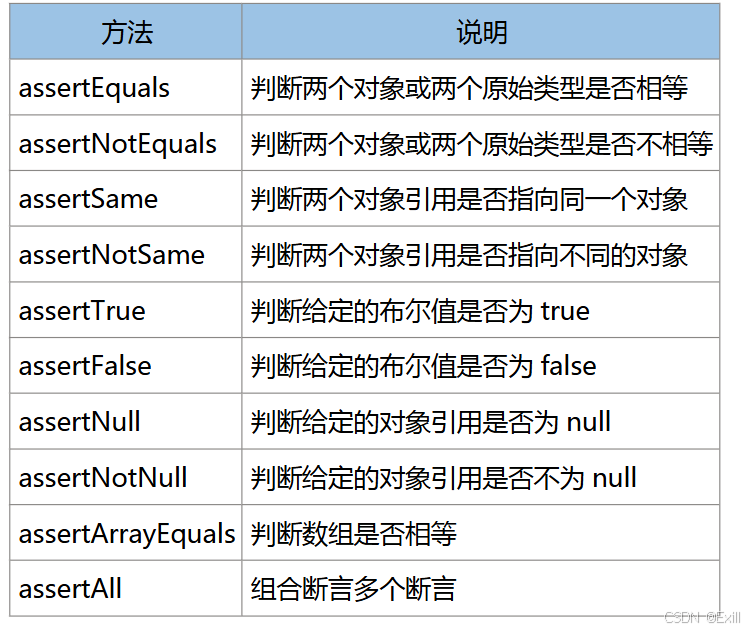
3.断言使用(Assertions类)
    @Test
    void checkResult(){
        Integer age = person.getAge();
        Assertions.assertEquals(18,age);
    }
4.参数化测试
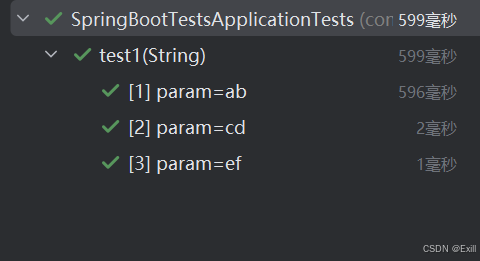
    @ParameterizedTest
    @ValueSource(strings = {"ab","cd","ef"})
    void test1(String param){
        System.out.println(param);
    }
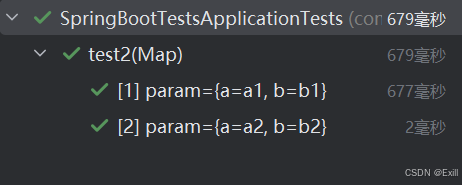
    @ParameterizedTest
    @MethodSource("paramForTest2")
    void test2(Map<String,String> param){
        System.out.println(param);
    }
    static Stream<Map<String,String>> paramForTest2(){
        Map<String,String> map1 = Map.of("a","a1","b","b1");
        Map<String,String> map2 = Map.of("a","a2","b","b2");
        return Stream.of(map1,map2);
    }
总结
以上为个人经验,希望能给大家一个参考,也希望大家多多支持脚本之家。
相关文章

Spring Boot自定义 Starter并推送到远端公服的详细代码
这篇文章主要介绍了Spring Boot自定义 Starter并推送到远端公服,本文通过实例代码给大家介绍的非常详细,对大家的学习或工作具有一定的参考借鉴价值,需要的朋友可以参考下2022-09-09
MyBatis 延迟加载深度解密:从使用方式到底层动态代理原理解析
本文详细解析MyBatis延迟加载机制,涵盖定义、配置方式、底层原理、执行流程及常见坑点,助你掌握延迟加载优化数据库查询与内存使用技巧,应对面试与实际项目挑战,感兴趣的朋友一起看看吧2026-06-06 这篇文章主要介绍了mybatis关于Criteria使用的小坑,具有很好的参考价值,希望对大家有所帮助。如有错误或未考虑完全的地方,望不吝赐教2021-12-12
 这篇文章主要介绍了springboot连接Redis的教程详解,本文给大家介绍的非常详细,对大家的学习或工作具有一定的参考借鉴价值,需要的朋友可以参考下2021-03-03
 这篇文章主要介绍了Http学习之组装报文,组装报文就是指组装HTTP响应报文,你需要返回客户请求的相应资源,通常一个完整的报文包括报文头和报文体,一起来看看吧2023-04-04
 这篇文章主要介绍了java阻塞队列实现原理及实例解析,文中通过示例代码介绍的非常详细,对大家的学习或者工作具有一定的参考学习价值,需要的朋友可以参考下2019-11-11
Spring事务管理@Transactional注解最佳实践
本文详细介绍了Spring框架的核心特性,包括IOC容器、AOP面向切面编程和事务管理,重点解析了Spring事务的传播行为和隔离级别,以及SpringBoot的自动配置原理,本文给大家讲解的非常详细,感兴趣的朋友跟随小编一起看看吧2026-02-02 这篇文章主要介绍了Windows下Java调用可执行文件代码实例,文中通过示例代码介绍的非常详细,对大家的学习或者工作具有一定的参考学习价值,需要的朋友可以参考下2019-12-12
 这篇文章主要介绍了Java中String创建的字符串对象内存分配测试,给大家详细介绍了在创建String对象的两种常用方法比较,通过示例代码给大家介绍的非常详细,需要的朋友可以参考下2021-07-07
详解Springboot @Cacheable 注解(指定缓存位置)
这篇文章主要介绍了详解Springboot @Cacheable 注解(指定缓存位置),使用 @Cacheable 注解就可以将运行结果缓存,以后查询相同的数据,直接从缓存中取,不需要调用方法,需要的朋友可以参考下2023-09-09
最新评论