

50个强大璀璨的CSS3/JS技术运用实例
发布时间:2010-02-27 15:42:11 作者:佚名  我要评论
我要评论
我要评论50例强大璀璨的CSS3/JS 技术运用。CSS3来了。虽然支持的浏览器很有限,但 许多设计师都在实验它的强大功能。本文可以让你了解css3的新技术和功能。
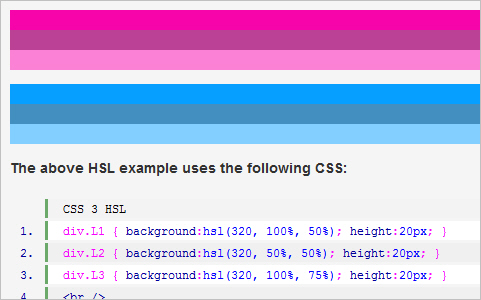
CSS3 HSL & HSLA
A tutorial on using the HSL & HSLA declarations along with the quick + / – guide to which browsers currently support the herein effect.
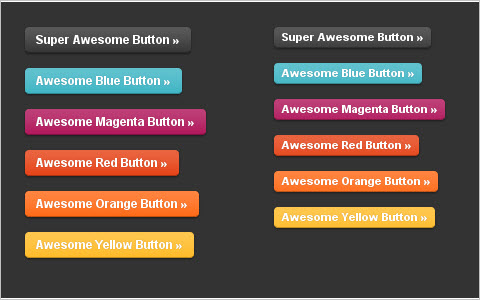
Super Awesome Buttons with CSS3 and RGBA
One of our favorite things about CSS3 is the addition of RGBA, a color mode that adds alpha-blending to your favorite CSS properties. We’ve kicked the tires on it a bit with our own projects and have found that it helps streamline our CSS and makes scaling things like buttons very easy. To show you how, we’ve cooked up an example with some super awesome, scalable buttons.
 网页制作Webjx文章简介:50例强大璀璨的CSS3/JS 技术运用。CSS3来了。虽然支持的浏览器很有限,但 许多设计师都在实验它的强大功能。本文可以让你了解css3的新技术和功能。 Using the Shadow-Property in CSS3
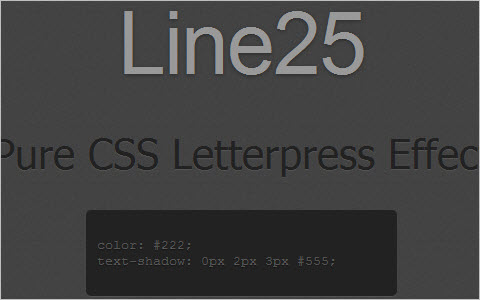
 Create a Letterpress Effect with CSS Text-Shadow
The letterpress effect is becoming hugely popular in web design, and with a couple of modern browsers now showing support for the text-shadow CSS3 property it’s now simple and easy to create the effect with pure CSS. No Photoshop trickery here!
Shadows and CSS3
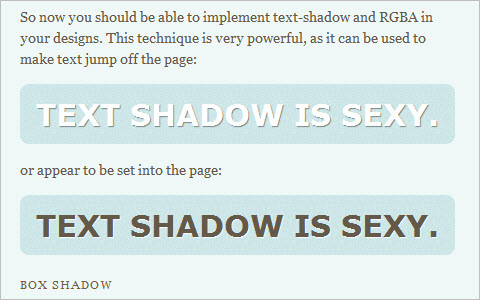
I’m currently working on a design that uses text-shadow and box-shadow, with RGBA in place to create the shadow color. I wanted to tweet about this technique because it’s simple and awesome, but to my surprise I couldn’t find a good, quick tutorial that covered the use of both text and box-shadow, along with RGBA. So I decided to create one.
I learned this technique from Dan Cederholm’s Handcrafted CSS book, so if you’re able I’d recommend just going out and grabbing that, as he explains it much more elegantly and thoroughly than I ever could.
 Learning New CSS3 Selectors
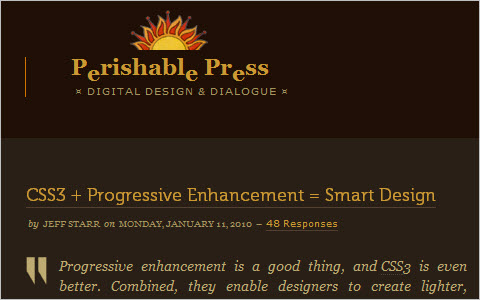
 CSS3 + Progressive Enhancement = Smart Design
Progressive enhancement is a good thing, and CSS3 is even better. Combined, they enable designers to create lighter, cleaner websites faster and easier than ever before.
 A Look at Some of the New Selectors Introduced in CSS3
Here is a run-down of just some of the things that is possible with CSS3 selectors. Of course CSS3 isn’t supported at all by any IE browsers including IE8 but all latest versions of Safari, Firefox and Opera support most, if not all of them.

Cleaner Code with CSS3 Selectors
In this article I’m going to take a look at some of the ways our front and back-end code will be simplified by CSS3, by looking at the ways we achieve certain visual effects now in comparison to how we will achieve them in a glorious, CSS3-supported future. I’m also going to demonstrate how we can use these selectors now with a little help from JavaScript – which can work out very useful if you find yourself in a situation where you can’t change markup that is being output by some server-side code.
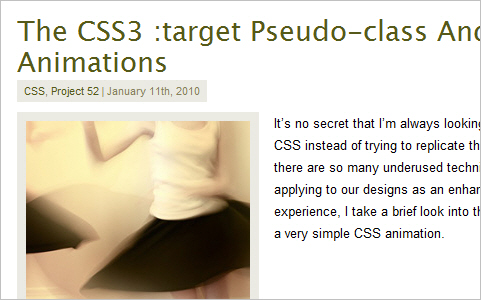
The CSS3 :target Pseudo-class And CSS Animations
It’s no secret that I’m always looking for an easy way out using CSS instead of trying to replicate things with convoluted code — there are so many underused techniques that we could be applying to our designs as an enhancement layer! In this experience, I take a brief look into the :target pseudo-class and a very simple CSS animation.
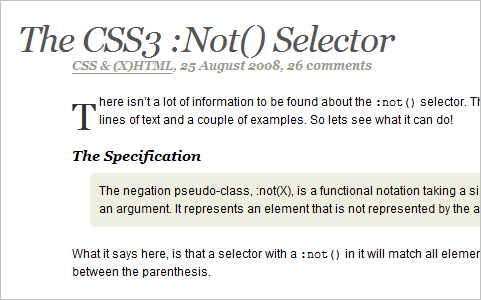
The CSS3 :not() selector
There isn’t a lot of information to be found about the :not() selector. The specifications only offer 3 lines of text and a couple of examples. So lets see what it can do!
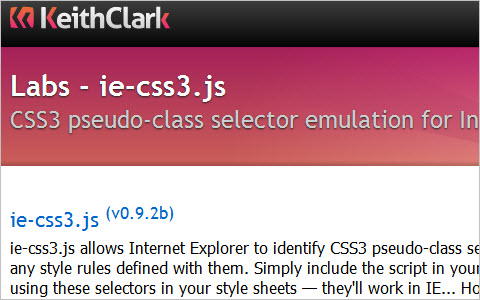
IE CSS3 pseudo selectors
ie-css3.js allows Internet Explorer to identify CSS3 pseudo-class selectors and render any style rules defined with them. Simply include the script in your pages and start using these selectors in your style sheets — they’ll work in IE… Honest…!
 网页制作Webjx文章简介:50例强大璀璨的CSS3/JS 技术运用。CSS3来了。虽然支持的浏览器很有限,但 许多设计师都在实验它的强大功能。本文可以让你了解css3的新技术和功能。 CSS3 Galleries
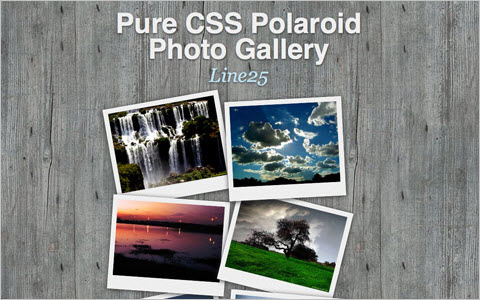
 How To Create a Pure CSS Polaroid Photo Gallery
Magical things can be done by combining various CSS properties, especially when some of the new CSS3 tricks are thrown into the mix. Let’s take a look at building a cool looking stack of Polaroid photos with pure CSS styling.
An Awesome CSS3 Lightbox Gallery With jQuery
In this tutorial we are going to create an awesome image gallery which leverages the latest CSS3 and jQuery techniques. The script will be able to scan a folder of images on your web server and build a complete drag and drop lighbox gallery around it.

If That Is An Awesome CSS3 Gallery, How Would You Call Mine?

Editable CSS3 Image Gallery
We build a pretty typical image gallery design pattern, a grid of images that pop up larger when clicked. But this image gallery page makes use of hot semantic HTML5 markup, loads of visual treats with CSS3 and jQuery, and made editable through the CMS PageLime. Quick reminder, the demo is awesome-est in a WebKit browser (Safari or Chrome).
 网页制作Webjx文章简介:50例强大璀璨的CSS3/JS 技术运用。CSS3来了。虽然支持的浏览器很有限,但 许多设计师都在实验它的强大功能。本文可以让你了解css3的新技术和功能。 Replacing CSS Hacks with CSS 3
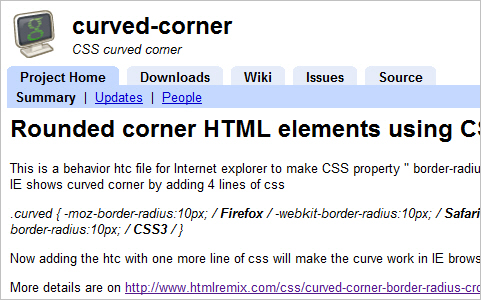
 Rounded corner HTML elements using CSS3 in all browsers
This is a behavior htc file for Internet explorer to make CSS property ” border-radius ” work on all browsers. At present, all major browsers other than IE shows curved corner by adding 4 lines of css.
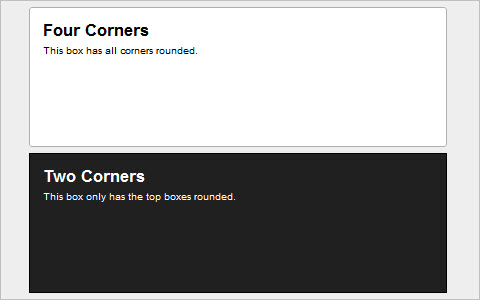
Using Rounded Corners with CSS3
As CSS3 gets closer to becoming the new standard for mainstream design, the days of rounded corners through elaborate background images is fading. This means less headache and time spent working out alternatives for each browser.
Better Image Preloading with CSS3
Using CSS3’s new support for multiple background images, we can use a single, existing element to preload all of the required images.
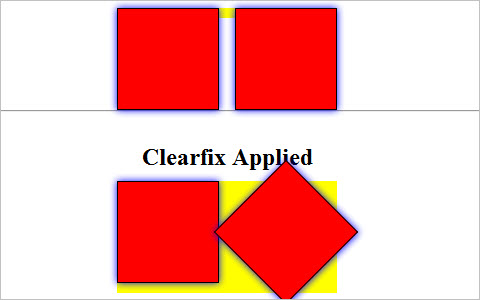
Saying Goodbye to the overflow: hidden Clearing Hack
I’m now saying goodbye to overflow: hidden and the deciding factor for me is CSS3. Specifically box-shadow. At least in the sense that box-shadow was the first property I noticed being negatively impacted by the use of overflow: hidden. Like the positioned child elements mentioned above, box-shadow can get clipped when the parent (or other ancestor) element has overflow applied. And there are several other things to consider as we move forward using more CSS3. Text-shadow and transform can also potentially be clipped by overflow: hidden.
 General articles about CSS 3
 How to bring CSS3 features into your design
Top web browser (such as Firefox 3.5 and Safari 4) have introduce some cool features you can already use. Now, with just a few lines of css you can do things you used to do with images and javascript.
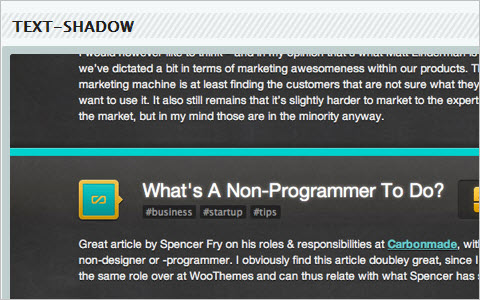
Practical Uses of CSS3
In this article I’ll show you some practical uses for CSS3.
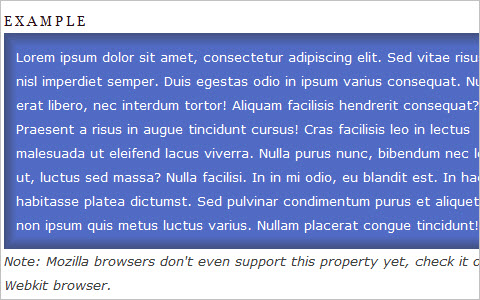
11 Classic CSS Techniques Made Simple with CSS3
We’ve all had to achieve some effect that required an extra handful of divs or PNGs. We shouldn’t be limited to these old techniques when there’s a new age coming. This new age includes the use of CSS3. In today’s tutorial, I’ll show you eleven different time-consuming effects that can be achieved quite easily with CSS3.
Mobile optimised websites using CSS3 Media Queries
A while ago I wrote about using CSS3 Media Queries on my website redesign to provide mobile visitors with an optimised view designed for smaller screens. I thought it might be useful if I went into a bit more detail on how I’m doing this.

Code a Backwards Compatible, One Page Portfolio with HTML5 and CSS3
HTML5 is the future of web development but believe it or not you can start using it today. HTML5 is much more considerate to semantics and accessibility as we don’t have to throw meaningless div’s everywhere. It introduces meaningful tags for common elements such as navigations and footers which makes much more sense and are more natural. This is a run through of the basics of HTML5 and CSS3 while still paying attention to older browsers. Before we start, make note of the answer to this question. Do websites need to look exactly the same in every browser?

Get the best out of CSS3
Craig Grannell turns into a cross between Jeffrey Zeldman and Russell Grant, taking a peek at what the future of CSS has to offer – with a little help from Opera, Safari and Firefox
Practical Uses of CSS3
“One big item for me is how much we use CSS3. Yes I know, it is not fully supported across all browsers. If you still want everything to look exactly the same across all browsers, you should probably just close this article and not read about CSS for another 10 years. A user is not going to pull up your site in two different browsers to compare the experience, so they won’t even know what they are missing. Just because something is not fully supported, that does not mean that we can’t use it to an extent. In this article I’ll show you some practical uses for CSS3.”

A Crash-Course in Advanced CSS3 Effects
This video tutorial reviews a bunch of different neat effects that can be used in Safari 4, Chrome, and for all iPhone development.
33 Must Read CSS3 Tips, Tricks, Tutorial Sites and Articles
An extensive overview of CSS3-techniques, tools, articles and resources.
相关文章
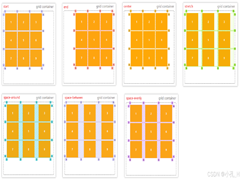 CS3的Grid网格布局是目前最强的二维布局系统,可以同时对列和行进行处理,将网页划分成一个个网格,可以任意组合不同的网格,做出各种各样的布局,本文介绍CSS3 最强二维布局系2025-02-27
- 本文介绍了如何使用CSS3的transform属性和动画技巧实现波浪式图片墙,通过设置图片的垂直偏移量,并使用动画使其周期性地改变位置,可以创建出动态且具有波浪效果的图片墙,同2025-02-27
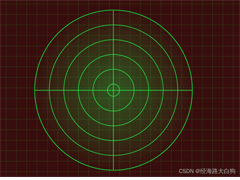 文章介绍了如何使用CSS3实现一个雷达探测扫描的效果,包括夜色背景、蜘蛛网盘、扫描体的转动效果、尾巴阴影以及被扫描到的光点,通过HTML和CSS的配合,实现了丰富的动画效果,2025-02-21
- CSS3的Flexbox是一种强大的布局模式,通过设置display:flex可以轻松实现对齐、排列和分布网页元素,它解决了传统布局方法中的对齐、间距分配和自适应布局等问题,接下来通过本2025-02-19
 本文给大家介绍css3 实现icon刷新转动效果,文章开头给大家介绍了webkit-transform、animation、@keyframes这三个属性,结合实例代码给大家介绍的非常详细,感兴趣的朋友一2025-02-19
- CSS3过渡属性用于实现元素从一种样式平滑过渡到另一种样式,通过设置transition-property过渡属性、transition-duration过渡时长transition-timing-function过渡函数和trans2025-02-19
- 本文介绍了如何使用CSS3创建一个简单的动态旋转加载样式,通过定义一个带有类名“loader”的HTML元素,并使用CSS样式和@keyframes规则来实现旋转动画,你可以根据需要调整样式2025-02-19
- 这篇文章主要介绍了如何使用CSS3的transition属性实现平滑的过渡动画,本文通过实例代码给大家介绍的非常详细,感兴趣的朋友一起看看吧2025-02-13
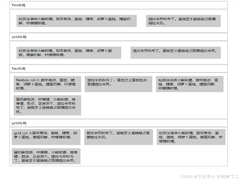 本文介绍了使用CSS3中的Flexbox和Grid布局实现等高元素布局的方法,通过简单的两列实现、每行放置3列以及全部代码的展示,展示了这两种布局方式的实现细节和效果,感兴趣的朋2025-02-11
- CSS3和SVG的结合使用为网页设计带来了创新的动态视觉效果,本文通过一个圆形进度条的动画特效示例,展示了如何利用CSS3的动画功能和SVG的矢量图形能力来创建丰富的用户交互体2024-10-24
最新评论