

CSS导航栏及弹窗示例代码
发布时间:2017-01-10 08:56:23 作者:Andone_hsx  我要评论
我要评论
我要评论本篇文章主要介绍了CSS导航栏及弹窗示例代码,导航栏和弹窗是在web中应用很广泛的,非常具有实用价值,需要的朋友可以参考下。
最近整理了CSS导航栏及弹窗,具体如下:
CSS导航
先来看下效果:

<!doctype html>
<html>
    <head>
        <title>Insert your title</title>
        <meta charset="utf-8">
        <style>
            body{
                font-size:12px;
            }

            #discuss{
                width:990px;
                margin:0 auto;
            }
            #mt{
                /*高度:30px,边框,上边框,背景颜色*/
                height:30px;
                border:1px solid #ddd;
                border-top:2px solid #9d9d9d;
                background:#F7F7F7;
            }
            #discuss-content{
                border-bottom:1px solid #ddd;
                padding-bottom:2px;
            }

            #discuss-datas{
                width:990px;
            }

            #discuss-datas thead td{
                /*加粗,上下内边距,下边框,文本居中对齐*/
                font-weight:bold;
                padding:5px 0;
                border-bottom:1px solid #ddd;
                text-align:center;
                color:#666;
            }

            /*处理 .col1 的样式 (每行第一列的效果)*/
            #discuss-datas td.col1{
                width:620px;
                text-align:left;
            }

            /*内容行中所有的列*/
            #discuss-datas tbody td{
                /*虚线下边框,上下内边距,文本水平居中对齐,文本颜色*/
                border-bottom:1px dotted #ddd;
                padding:5px 0;
                text-align:center;
                color:#9c9a9c;
            }

            /*处理所有超链接*/
            #discuss a{
                color:#005aa0;
                text-decoration:none;
            }
            #discuss a:hover{
                text-decoration:underline;
            }

            /*晒,论 两幅图*/
            #discuss-datas b{
                /*宽度,高度,背景属性*/
                padding-left:21px;
                padding-bottom:2px;
                padding-top:3px;
                background-image:url(../Images/iconlist_1.png);
                background-repeat:no-repeat;
                margin-right:5px;
            }
            b.shai{
                background-position:-110px -220px;
            }
            b.lun{
                background-position:-152px -220px;
            }

            /*2017-01-09 浮动练习*/
            #mt a{
                float:left;
                width:100px;
                height:30px;
                text-align:center;
                line-height:30px;
            }
            #mt a.current{
                /*左右上边框,背景颜色,文本颜色*/
                border:1px solid #ddd;
                border-bottom:none;
                border-top:2px solid #E4393C;
                background-color:#fff;
                color:#E4393C;
                /*位置上调:margin-top 给负值*/
                margin-top:-6px;
                height:35px;
                line-height:35px;
            }
            #extra p{margin:0;}
            /*方案1*/
            /*#extra p.new{
                float:left;
            }
            #extra p.total{
                float:right;
            }
            #extra{
                overflow:hidden;
            }*/

            /*方案2*/
            #extra p.total{
                float:right;
            }
        </style>
    </head>
    <body>
        <!-- 练习 -->
        <!-- #discuss : width:990px -->
        <div id="discuss">
            <!-- 页签 #mt : height:30px; ,边框,背景 -->
            <div id="mt">
                <a href="#">网友讨论圈</a>
                <a href="#" class="current">晒单帖</a>
                <a href="#">讨论帖</a>
                <a href="#">圈子帖</a>
                <a href="#">问答帖</a>
            </div>
            <!-- 内容 #discuss-content : 下边框 -->
            <div id="discuss-content">
                <!-- 表格 -->
                <table id="discuss-datas">
                    <thead>
                        <tr>
                            <td class="col1">主题</td>
                            <td>回复/浏览</td>
                            <td>作者</td>
                            <td>时间</td>
                        </tr>
                    </thead>
                    <tbody>
                        <tr>
                            <td class="col1">
                                <b class="shai"></b>
                                <a href="#">
                                    好大一瓶,不错
                                </a>
                            </td>
                            <td>0/0</td>
                            <td>
                                <a href="#">2001年冬天</a>
                            </td>
                            <td>
                                2011-11-11 11:11:11
                            </td>
                        </tr>
                        <tr>
                            <td class="col1">
                                <b class="lun"></b>
                                <a href="#">
                                    好大一瓶,不错
                                </a>
                            </td>
                            <td>0/0</td>
                            <td>
                                <a href="#">2001年冬天</a>
                            </td>
                            <td>
                                2011-11-11 11:11:11
                            </td>
                        </tr>
                        <tr>
                            <td class="col1">
                                <b class="shai"></b>
                                <a href="#">
                                    好大一瓶,不错
                                </a>
                            </td>
                            <td>0/0</td>
                            <td>
                                <a href="#">2001年冬天</a>
                            </td>
                            <td>
                                2011-11-11 11:11:11
                            </td>
                        </tr>
                        <tr>
                            <td class="col1">
                                <b class="lun"></b>
                                <a href="#">
                                    好大一瓶,不错
                                </a>
                            </td>
                            <td>0/0</td>
                            <td>
                                <a href="#">2001年冬天</a>
                            </td>
                            <td>
                                2011-11-11 11:11:11
                            </td>
                        </tr>
                    </tbody>
                </table>
                <!-- 其他内容(略) -->
                <div id="extra">
                    <p class="total">
                        共900个话题
                        <a href="#">浏览全部话题</a>
                    </p>
                    <p class="new">
                        有问题与其他用户讨论
                        <a href="#">[发表帖子]</a>
                    </p>
                </div>
            </div>
        </div>
    </body>
</html>
最后效果图:

商城导航:

<!doctype html>
<html>
    <head>
        <title>Insert your title</title>
        <meta charset="utf-8">
        <style>
            #nav{
                /*宽度,高度,背景颜色,水平居中对齐*/
                width:990px;
                height:40px;
                background-color:#E64346;
                margin:0 auto;
            }
            #nav p{
                /*取消默认margin,宽度,高度,背景颜色*/
                margin:0;
                width:210px;
                height:40px;
                background-color:#CD2A2C;
            }
            #nav>p>a{
                /*左浮动,高度,行高,文字:加粗,大小,颜色,取消下划线*/
                float:left;
                height:40px;
                line-height:40px;
                font-weight:bold;
                font-size:14px;
                color:#fff;
                text-decoration:none;
                padding-left:15px;
            }
            #nav>p>b{
                /*右浮动,宽度,高度,背景,位置*/
                float:right;
                width:20px;
                height:20px;
                background:url(../Images/iconlist_2.png) no-repeat -65px 0;
                margin:10px 10px 0 0;
            }

            #nav>p{
                float:left;
            }
            #nav>ul{
                float:left;
                margin:0;
                padding:0;
                list-style:none;
            }
            #nav>ul li{
                float:left;
            }
            #nav>ul li a{
                /*宽度,高度,行高,文本:水平居中,大小,颜色,下划线,加粗*/
                float:left;
                width:100px;
                height:40px;
                line-height:40px;
                text-align:center;
                font-size:14px;
                color:#fff;
                text-decoration:none;
                font-weight:bold;
            }
            #nav>ul li a:hover{
                background-color:#BD2A2C;
            }

            #container{
                width:990px;
                min-height:200px;
                margin:0 auto;
            }

            #cate_box{
                margin:0;
                padding:0;
                list-style:none;

                /*宽度,高度,背景颜色,左右下边框*/
                width:210px;
                min-height:400px;
                background-color:#FAFAFA;
                border:2px solid #CD2A2C;
                border-top:none;
                box-sizing:border-box;
                /*上内边距*/
                padding-top:5px;
            }
            #cate_box>li{
                /*左内边距,上下内边距,宽度,下边框(白色)*/
                padding:5px 0 5px 10px;
                width:196px;
                box-sizing:border-box;
                border-bottom:1px solid #fff;
                border-top:1px solid transparent;
            }
            #cate_box li:hover{
                border-top-color:#ddd;
                border-bottom-color:#ddd;
                background-color:#fff;
            }
            #cate_box li>a{
                color:#333;
                text-decoration:none;
                font-size:14px;
            }
        </style>
    </head>
    <body>
        <nav id="nav">
            <p>
                <a href="#">全部商品分类</a>
                <b></b>
            </p>
            <ul>
                <li>
                    <a href="#">首页</a>
                </li>
                <li>
                    <a href="#">服装城</a>
                </li>
                <li>
                    <a href="#">食品</a>
                </li>
                <li>
                    <a href="#">团购</a>
                </li>
                <li>
                    <a href="#">夺宝岛</a>
                </li>
                <li>
                    <a href="#">闪购</a>
                </li>
                <li>
                    <a href="#">金融</a>
                </li>
            </ul>
        </nav>
        <div id="container">
            <ul id="cate_box">
                <li>
                    <a href="#">图书、音像、数字商品</a>
                </li>
                <li>
                    <a href="#">家用电器</a>
                </li>
            </ul>
        </div>
    </body>
</html>
导航列表弹框效果:
初始状态:

鼠标悬停时:

<!doctype html>
<html>
    <head>
        <title>Insert your title</title>
        <meta charset="utf-8">
        <style>
            #my_jd{
                width:100px;
                height:30px;
                text-align:center;
                line-height:30px;
                border:1px solid #000;
                background-color:#fff;
                /*相对定位:配合 #menu 的绝对定位*/
                position:relative;
                cursor:pointer;
            }
            #menu{
                width:400px;
                height:100px;
                background-color:#fff;
                border:1px solid #000;
                /*绝对定位*/
                position:absolute;
                top:30px;
                left:-1px;
                /*隐藏*/
                display:none;

            }
            #my_jd:hover #menu{
                display:block;
            }
            #my_jd:hover #line{
                width:100px;
                position:absolute;
                border-top:1px solid #fff;
            }
        </style>
    </head>
    <body>
        <div id="my_jd">
            我的京东
            <!-- 弹出菜单 -->
            <div id="menu">
                模拟我的京东弹出菜单
            </div>
            <div id="line"></div>
        </div>
    </body>
</html>
以上就是本文的全部内容,希望对大家的学习有所帮助,也希望大家多多支持脚本之家。
相关文章
 这篇文章主要介绍了html+css+js实现导航栏滚动渐变效果,本文通过实例代码给大家介绍的非常详细,对大家的学习或工作具有一定的参考借鉴价值,需要的朋友可以参考下2021-01-28
 这篇文章主要介绍了纯CSS实现导航栏下划线跟随效果,本文图文并茂实例代码详解,给大家介绍的非常详细,需要的朋友参考下吧2019-12-09
- 这篇文章主要介绍了基于html+css 实现简易导航栏功能,主要就是css(级联样式表)对html的内容做格式化。具体内容详情大家跟随小编一起通过本文学习吧2021-04-07
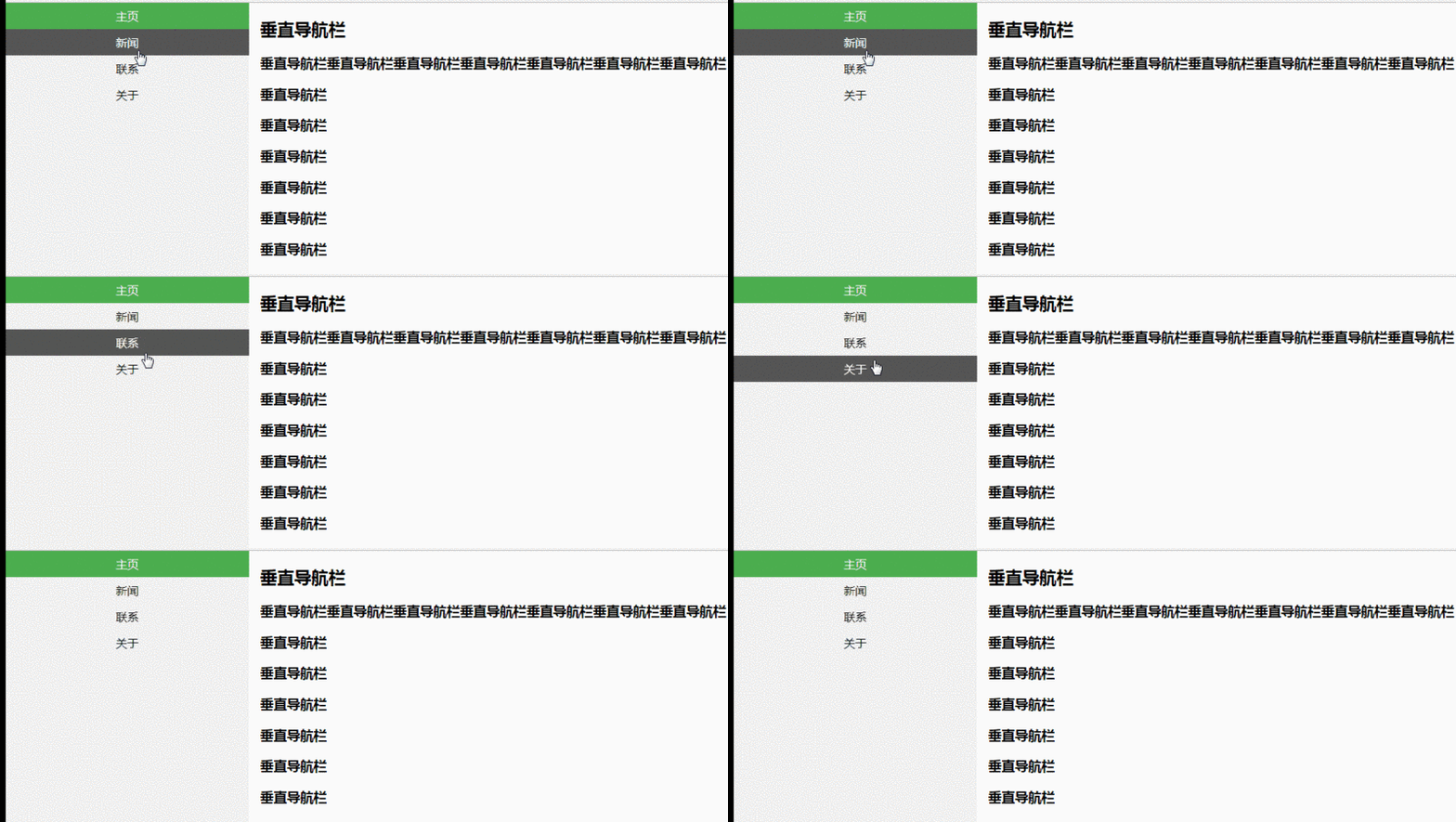 这篇文章主要介绍了CSS中的导航栏和下拉菜单的实现的相关资料,小编觉得挺不错的,现在分享给大家,也给大家做个参考。一起跟随小编过来看看吧2018-07-18
 这篇文章主要介绍了纯CSS实现导航栏下划线跟随滑动效果,需要的朋友可以参考下2018-03-29
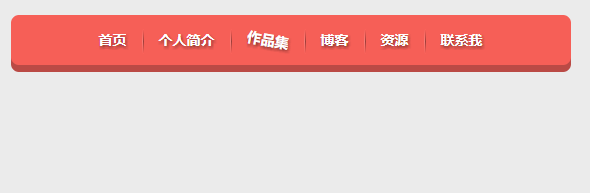 这篇文章主要介绍了使用CSS制作立体导航栏的相关资料,需要的朋友可以参考下2017-10-16
- 本文主要介绍了制作漂亮美观的带箭头的面包屑导航栏的示例代码。具有很好的参考价值。下面跟着小编一起来看下吧2017-04-06
- CSS 的强大之处有的时候超乎我们的想象,Tab 切换,常规而言确实需要用到一定的脚本才能实现。下面看看如何使用纯CSS实现导航栏Tab切换效果2016-10-13
- 这篇文章主要介绍了CSS利用伪元素实现导航栏斜线分隔的相关资料2016-03-14
- 本篇文章给大家分享基于html和CSS3制作简单侧边导航栏,效果简单大方,需要的朋友可以从参考下2016-02-25
最新评论