

CSS3 分类菜单效果
发布时间:2019-05-27 14:50:37 作者:佚名  我要评论
我要评论
我要评论这篇文章主要介绍了CSS3 分类菜单效果,本文通过实例代码给大家介绍的非常详细,具有一定的参考借鉴价值,需要的朋友可以参考下
CSS3 分类菜单效果如下所述:

HTML
<html>
<head>
    <title></title>
    <style type="text/css">
        #bg { width: 1270px; height: 751px; margin: 0 auto; background: url("images/bg.jpg") no-repeat; }
        .sblock { width: 800px; height: 250px; margin: 0 auto;}
        /*.sblock { transform:translateY(65%); }*/
        .sblock > div { width: 200px; height: 250px; margin: 0 auto; }
        .sb1 { padding-top: 170px; }
        .sb2 { padding-top: 30px; }
        .sblock div:hover { transform: translateY(-10px); }
        .sblock div { transition:all 0.5s; }
        .sb1 > div:nth-of-type(1) { float: left; background: url("images/1.jpg") no-repeat; }
        .sb1 > div:nth-of-type(2) { float: left; background: url("images/2.jpg") no-repeat; }
        .sb1 > div:nth-of-type(3) { float: left; background: url("images/3.jpg") no-repeat; }
        .sb1 > div:nth-of-type(4) { float: left; background: url("images/4.jpg") no-repeat; }
        .sb2 > div:nth-of-type(1) { float: left; background: url("images/5.jpg") no-repeat; }
        .sb2 > div:nth-of-type(2) { float: left; background: url("images/6.jpg") no-repeat; }
        .sb2 > div:nth-of-type(3) { float: left; background: url("images/7.jpg") no-repeat; }
        .sb2 > div:nth-of-type(4) { float: left; background: url("images/8.jpg") no-repeat; }
    </style>
</head>
<body>
    <div id="bg">
        <section class="sblock sb1">
            <div></div>
            <div></div>
            <div></div>
            <div></div>
        </section>
        <section class="sblock sb2">
            <div></div>
            <div></div>
            <div></div>
            <div></div>
        </section>
    </div>
</body>
</html>
总结
以上所述是小编给大家介绍的CSS3 分类菜单效果,希望对大家有所帮助,如果大家有任何疑问请给我留言,小编会及时回复大家的。在此也非常感谢大家对脚本之家网站的支持!
相关文章
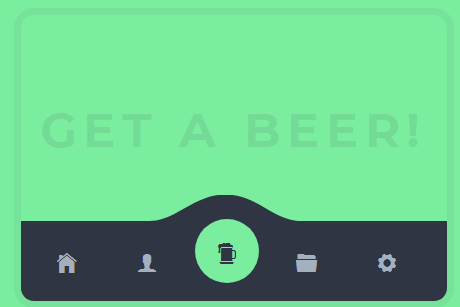
jQuery+CSS3实现适应手机端的Tab菜单页面切换插件
今天给大家分享一款设计和精致的jQuery Tab页面切换插件,它的样式风格与传统的Tab切换不同,首先Tab标签使用的是小图标模式,就像一个按钮一样。有需要的朋友可以直接下载2018-12-06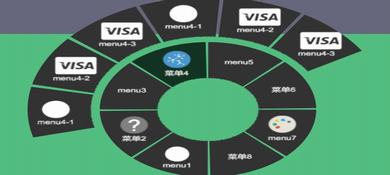
js和CSS3炫酷圆形导航菜单插件circular-menu
circular-menu是一款基于js和CSS3的炫酷圆形导航菜单插件,使用js来驱动,通过CSS3制作炫酷的圆形导航菜单特效2018-12-04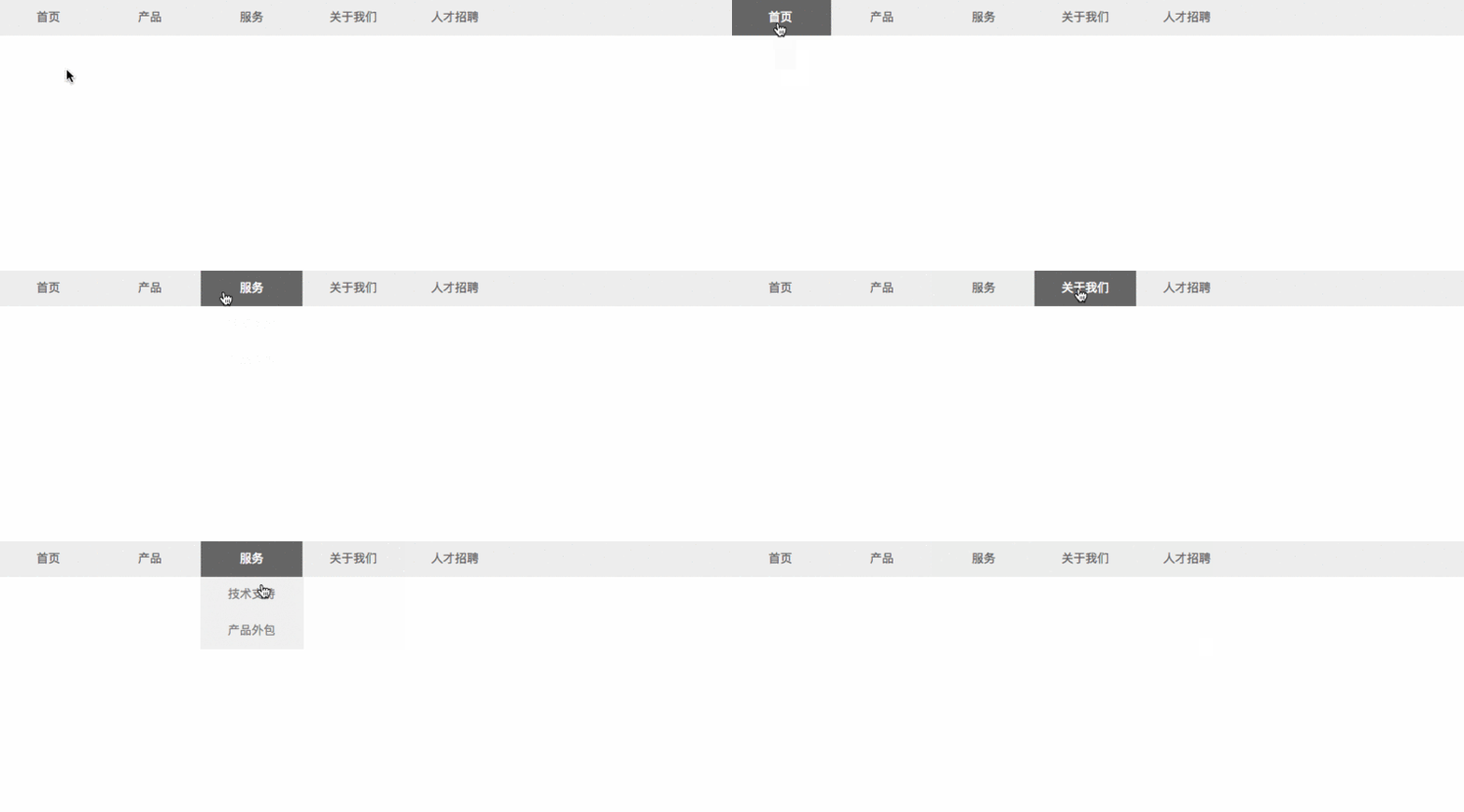 这篇文章主要介绍了CSS3 二级导航的制作的示例的相关资料,小编觉得挺不错的,现在分享给大家,也给大家做个参考。一起跟随小编过来看看吧2018-04-02
最新评论