


 金舟AI分区大师 v4.0.5 官方安装版
3.92MB / 04-02
 360C盘扩容大师 v1.0.0.1231 官方安装版
9.69MB / 04-03
 赤友DiskGeeker(Windows磁盘管理软件) v1.0 免费安装版
1.26MB / 04-27
 金舟光盘刻录大师 v2.0.9 官方安装版
129MB / 03-01
 磁盘清理大师 v2025.11.7.1082 中文安装版
 38.6MB / 01-09
 磁盘分区编辑器NIUBI Partition Editor 企业版 v10.0.8 绿色中文
7.6MB / 11-05
 卡饭分区大师 V18.5 官方安装版
1.83MB / 08-24
 balenaEtcher U盘镜像制作工具 v2.1.6 安装免费版
195MB / 05-15
 Qiplex Disk Space Saver(磁盘空间保护工具) v2.7.0 免费安装版
 95.6MB / 02-26
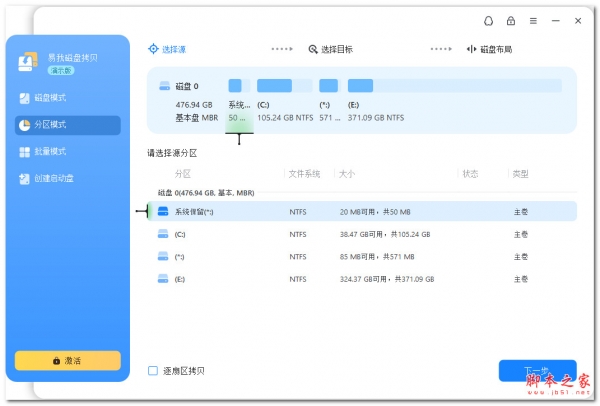 易我磁盘拷贝工具企业版 v6.0.1 绿色免费版
60.8MB / 01-17

-

-

-

chkdsk磁盘修复 v4.0 中文安装版 磁盘光盘 / 260KB
-

-

-

-

-

-

Auslogics Disk Defrag Free(磁盘整理优化工具) v12.2.0.6 免费 磁盘光盘 / 25.1 MB
-



详情介绍
Linux下有一个dd工具,用来直接读写磁盘。
Windows下也有一个类似的工具,主要就是一个dd.exe文件。
打开Windows下的CMD命令行,进入到dd.exe所在的目录,通过dd /?可以查看命令说明:
C:\Users\Administrator\Desktop\os\os>dd.exe /?
rawwrite dd for windows version 0.6beta3.
Written by John Newbigin <jn@it.swin.edu.au>
This program is covered by terms of the GPL Version 2.Unknown command /?
dd [bs=SIZE] [count=BLOCKS] [if=FILE] [of=FILE] [seek=BLOCKS] [skip=BLOCKS] [--size] [--list] [--progress]
SIZE and BLOCKS may have one of the following suffix:
k = 1024
M = 1048576
G = 1073741824
default block size (bs) is 512 bytes
skip specifies the starting offset of the input file (if)
seek specifies the starting offset of the output file (of)
通过dd --list可以查看所有的磁盘:
C:\Users\Administrator\Desktop\os\os>dd --list
rawwrite dd for windows version 0.6beta3.
Written by John Newbigin <jn@it.swin.edu.au>
This program is covered by terms of the GPL Version 2.Win32 Available Volume Information
\\.\Volume{4102ffc6-797c-11e6-afa5-806e6f6e6963}\
link to \\?\Device\HarddiskVolume1
fixed media
Mounted on \\.\c:\\.\Volume{4102ffc8-797c-11e6-afa5-806e6f6e6963}\
link to \\?\Device\HarddiskVolume3
fixed media
Mounted on \\.\e:\\.\Volume{b1cc0dd3-5bf5-4b9f-b8ff-c791d9390873}\
link to \\?\Device\HarddiskVolume6
fixed media
Mounted on \\.\g:\\.\Volume{7441521c-0d1b-4d4e-906b-022bcf9a70cf}\
link to \\?\Device\HarddiskVolume7
fixed media
Mounted on \\.\h:\\.\Volume{4102ffc7-797c-11e6-afa5-806e6f6e6963}\
link to \\?\Device\HarddiskVolume2
fixed media
Mounted on \\.\d:\\.\Volume{4102ffc9-797c-11e6-afa5-806e6f6e6963}\
link to \\?\Device\HarddiskVolume4
fixed media
Mounted on \\.\f:
NT Block Device Objects
\\?\Device\Harddisk0\Partition0
link to \\?\Device\Harddisk0\DR0
Fixed hard disk media. Block size = 512
size is 250059350016 bytes
\\?\Device\Harddisk0\Partition1
link to \\?\Device\HarddiskVolume1
\\?\Device\Harddisk0\Partition2
link to \\?\Device\HarddiskVolume2
\\?\Device\Harddisk1\Partition0
link to \\?\Device\Harddisk1\DR1
Fixed hard disk media. Block size = 512
size is 2000398934016 bytes
\\?\Device\Harddisk1\Partition1
link to \\?\Device\HarddiskVolume3
Fixed hard disk media. Block size = 512
size is 107380998144 bytes
\\?\Device\Harddisk1\Partition2
link to \\?\Device\HarddiskVolume4
\\?\Device\Harddisk2\Partition0
link to \\?\Device\Harddisk2\DR2
Fixed hard disk media. Block size = 512
size is 4000787030016 bytes
\\?\Device\Harddisk2\Partition1
link to \\?\Device\HarddiskVolume5
Fixed hard disk media. Block size = 512
size is 134217728 bytes
\\?\Device\Harddisk2\Partition2
link to \\?\Device\HarddiskVolume6
Fixed hard disk media. Block size = 512
size is 2097152000000 bytes
\\?\Device\Harddisk2\Partition3
link to \\?\Device\HarddiskVolume7Virtual input devices
/dev/zero (null data)
/dev/random (pseudo-random data)
- (standard input)Virtual output devices
- (standard output)
/dev/null (discard the data)
前面部分是实际的磁盘,后面也有一些虚拟的磁盘,比如这里看到的/dev/zero。
要拷贝磁盘总的内容所用的命令跟Linux中的差不多,只是物理设备的名称稍微有点怪异。
下面是一些例子:
Make an image of a floppy disk:
dd if=\\.\a: of=c:\temp\disk1.img bs=1440k
Write the image back to a floppy disk:
dd if=c:\temp\disk1.img of=\\.\a: bs=1440k
Rip an .iso from a CD
dd if=\\?\Device\CdRom0 of=c:\temp\disc1.iso bs=1M
Read a partition from a USB memory device
dd if=\\.\Volume{c18588c0-02e9-11d8-853f-00902758442b} of=c:\temp\usb1.img bs=1M
Read the entire USB memory device
dd if=\\?\Device\Harddisk1\Partition0 of=c:\temp\usb2.img bs=1M --size --progress
You can write to any file or block device which windows will allow you to write to. You can use the standard \\.\ notation for win32 exported devices or the dd specific \\?\ notation to access windows native devices.
不过dd.exe似乎长久没有更新了,用起来也还有一些问题,需要谨慎使用。
说明
windows下非常好用的dd和grep工具,操作完全和linux一样
脚本之家已经打包了grep.exe与FloppyWriter.exe
下载地址
人气软件

Windows 8 USB Installer Maker(win8系统U盘启动制作器) V1.2 汉
DiskGenius专业版 v5.4.5.1412 中文绿色免费专业特别版(32&6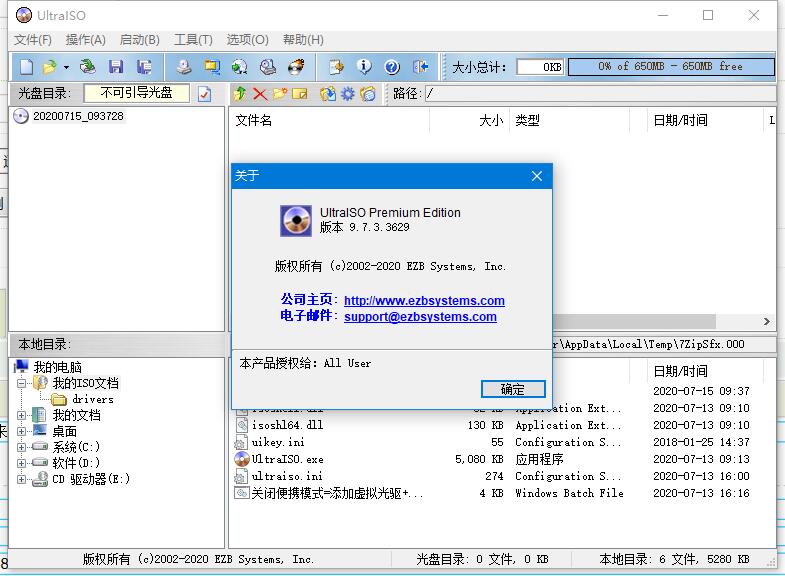
UltraISO PE(软碟通) v9.7.6.3860 绿色中文单文件版 光盘刻录专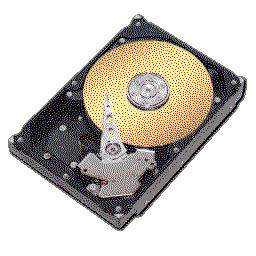
HDTune pro(硬盘工具) v6.00 绿色免费汉化版
硬盘哨兵Hard Disk Sentinel Pro v6.40.1 中文安装免费版(附教程
Victoria(硬盘坏道修复工具) v5.3.7 汉化免费版
DiskGenius v5.5.0 简体中文汉化补丁文件(附设置教程)
dg磁盘分区工具(DiskGenius) v6.0.0 中文免费绿色版 64位
硬盘健康状况检测工具(CrystalDiskInfo) v9.9.1 中文绿色单文件
rmvb直接刻录DVD软件Easy RM RMVB to DVD Burner 1.4.11 汉化绿


相关文章
-
金舟AI分区大师 v4.0.5 官方安装版
金舟AI分区大师=提供分区扩容迁移、自定义磁盘空间、AI数据安全防护、跨分区操作以及AI超精准扩容等...
-
360C盘扩容大师 v1.0.0.1231 官方安装版
360C盘扩容大师支持轻松解决C盘爆满问题;按需分配磁盘空间,本站提供的是这款软件的安装版本...
-
赤友DiskGeeker(Windows磁盘管理软件) v1.0 免费安装版
赤友DiskGeeker最全面的磁盘管理工具,清理系统及磁盘垃圾,释放更多空间, 开启文件保险箱,实时保护文件, 读写BitLocker加密磁盘和NTFS磁盘, 磁盘克隆,备份, 开启USB拦截...
-
金舟光盘刻录大师 v2.0.9 官方安装版
金舟光盘刻录大师支持一键快速擦除光盘内容,刻录音乐/影视/数据光盘以及提取光盘内音频/视频文件等...
-
磁盘清理大师 v2025.11.7.1082 中文安装版
磁盘清理大师专业的系统优化清理工具,提供乐C盘清理、大文件清理以及文件粉碎等功能,本站提供的是这款软件的安装版本...
-
磁盘分区编辑器NIUBI Partition Editor 企业版 v10.0.8 绿色中文免费版(终身免费升级)
NIUBI Partition Editor提供分区编辑功能,可以通过这款软件直接将电脑上的硬盘重新调整分区,可以在软件上调整分区大小,可以将C盘D盘的储存空间变小,从而释放更多可用的...
下载声明
☉ 解压密码:www.jb51.net 就是本站主域名,希望大家看清楚,[ 分享码的获取方法 ]可以参考这篇文章
☉ 推荐使用 [ 迅雷 ] 下载,使用 [ WinRAR v5 ] 以上版本解压本站软件。
☉ 如果这个软件总是不能下载的请在评论中留言,我们会尽快修复,谢谢!
☉ 下载本站资源,如果服务器暂不能下载请过一段时间重试!或者多试试几个下载地址
☉ 如果遇到什么问题,请评论留言,我们定会解决问题,谢谢大家支持!
☉ 本站提供的一些商业软件是供学习研究之用,如用于商业用途,请购买正版。
☉ 本站提供的Windows下面的DD工具(命令读写磁盘操作软件)资源来源互联网,版权归该下载资源的合法拥有者所有。