


 Files Inspector(磁盘分析工具) v4.50 中文绿色便携版
24.7MB / 04-18
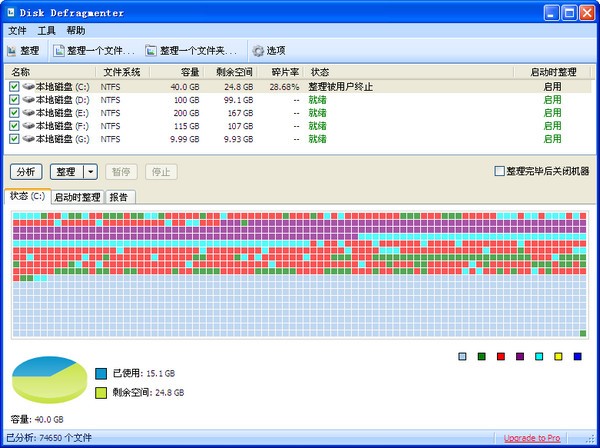 Disk Defragmenter(磁盘碎片整理软件) v5.0.1.52 免费安装版
4.76MB / 05-24
 PartAssist Pro(磁盘分区管理软件) v6.2.0 绿色免费版
4.32MB / 05-24
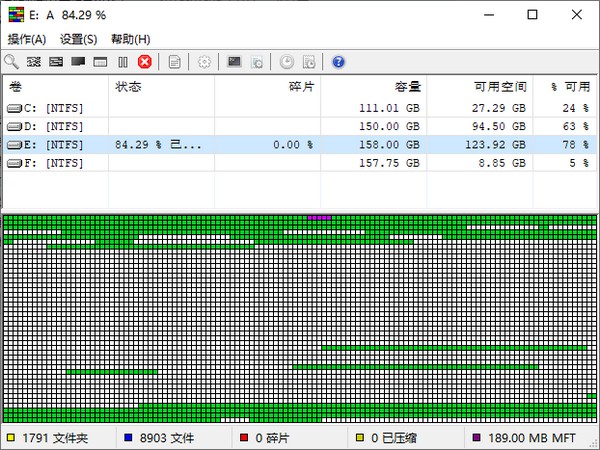 UltraDefrag Standard(磁盘碎片整理软件) v8.0.1 免费安装版
6.96MB / 05-23
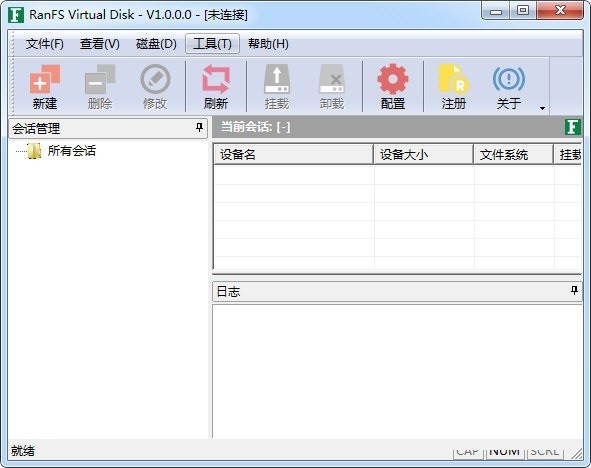 RANFS Virtual Disk(虚拟磁盘驱动器工具) v1.0.0.2 绿色免费版
9.53MB / 05-23
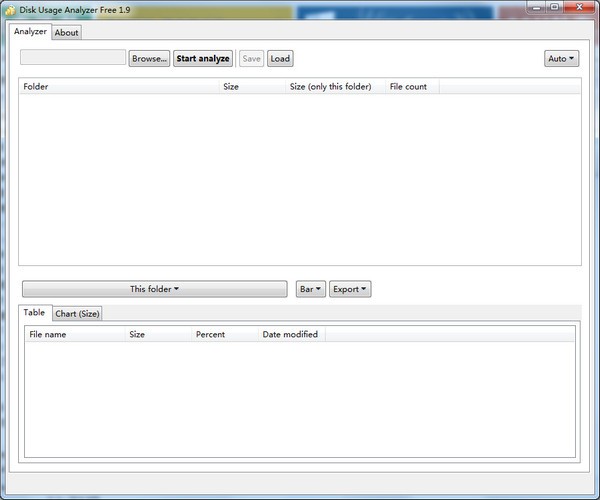 Disk Usage Analyzer Free(磁盘使用率分析软件) v1.9 官方安装版
29.6MB / 05-23
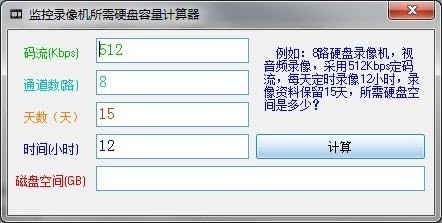 监控录像机所需硬盘容量计算器(磁盘空间计算软件) v1.0 绿色免费
66.5KB / 05-23
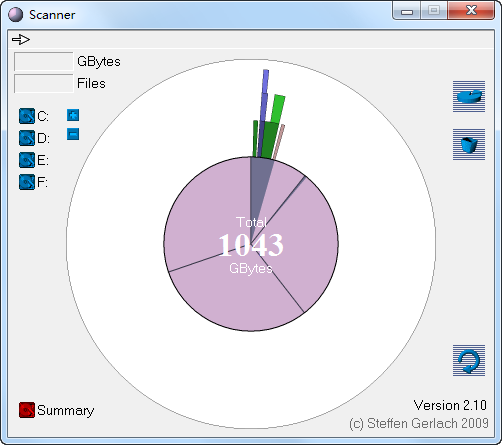 Scanner(磁盘分析软件) v2.1.0.0 官方安装版
192KB / 05-21
 RAID Manager pro(磁盘列阵管理工具) v1.0 官方安装版
1.73MB / 05-21
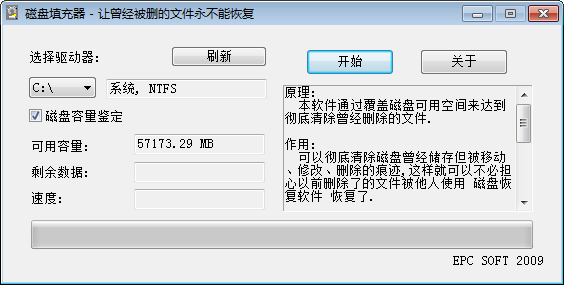 磁盘填充器(磁盘永久删除工具) v1.6 绿色免费版
162KB / 05-20

-

-

-

chkdsk磁盘修复 v4.0 中文安装版 磁盘光盘 / 260KB
-

-

-

-

-

-

Auslogics Disk Defrag Free(磁盘整理优化工具) v12.2.0.6 免费 磁盘光盘 / 25.1 MB
-



详情介绍
RFDD软件是一款用于复制文件并对原文件的内容进行转换和格式化处理,用的比较多的是用来备份物理硬盘,并且通过RFSD服务,实现对远程文件的操作的软件,本站提供的是这款软件的32和64位版本,欢迎有需要的朋友来脚本之家网站下载使用。
Mac平台版本:点此下载
软件介绍
RFDD 类似于UNIX DD工具,用于复制文件并对原文件的内容进行转换和格式化处理,用的比较多的是用来备份物理硬盘,并且通过RFSD服务,实现对远程文件的操作。建议在需要时,对本地或远程物理磁盘进行操作。
软件功能
支持DD的基本功能
支持断点续传文件
通过RFSD服务,实现对远程设备文件读写操作
多平台支持 Windows Macosx iPhone iPad Linux Android FreeBSD
如何安装
使用curl
curl http://ranfs.com/pub/rfdd/all/get.sh -o -|sh -s /usr/local/bin
使用wget
wget http://ranfs.com/pub/rfdd/all/get.sh -O -|sh -s /usr/local/bin
使用powershell
$rfdd_dir="c:\rfdd";Invoke-Expression(New-Object Net.WebClient).DownloadString("http://ranfs.com/pub/rfdd/all/get.ps1")
安装路径
在Linux和Macosx上,默认安装路径在 /usr/local/bin ,如果需要指定其它路径,请更改 sh -s 后面的路径配置。
Windows上,默认安装路径在 c:\rfdd ,如果需要指定其它路径,请更改 $rfdd_dir= 后面的路径配置。
使用帮助
$ rfdd -h
rfdd v1.6.1.0 (2022-8-25) [little] - convert and copy a file [staic]
Copyright (C) 2014-2022 ranfs.comusage: rfdd [if=FILE] [of=FILE] [ibs=N] [obs=N] [bs=N] [count=N] [skip=N]
[seek=N] conv=[notrunc|noerror|sync|fsync|resume]
iflag=[skip_bytes|direct] oflag=[seek_bytes|direct]
status=[noxfer|none|md5|sha1] retry=NUM level=[LEVEL]
bs=BYTES read and write BYTES bytes at a time
ibs=N Read N bytes at a time
obs=N Write N bytes at a time
count=N copy only N input blocksn
seek=BLOCKS skip BLOCKS obs-sized blocks at start of output
skip=BLOCKS skip BLOCKS ibs-sized blocks at start of input
offset=BLOCKS offset BLOCKS at input and output default is bytes
if=FILE read from FILE instead of stdin
of=FILE write to FILE instead of stdout
conv=CONVS [notrunc,noerror,sync,fsync,swab,resume,]
conv=notrunc Don't truncate output file
conv=noerror Continue after read errors
conv=bad_read Allows damaged sector fills to continue reading
conv=sync Pad blocks with zeros
conv=fsync Physically write data out before finishing
conv=swab Swap every pair of bytes
conv=resume Continue writing at the end of the output file
conv=off_blocks offset=N is in BLOCKS
conv=hash_one_task hash is computed using one thread
conv=hash_local_cal force local hash calculation
iflag=skip_bytes skip=N is in bytes
oflag=seek_bytes seek=N is in bytes
iflag=direct use direct I/O for data
retry_timeout_minutes=NUM Retry limit time minutes
retry_delay_seconds=NUM Retry delay interval seconds
bad_fill_str=STR Write Pattern dor damaged source sectors
bad_skip_sectors=NUM Avoid damaged areas, skip sectors
bad_retry_count=NUM maximum number of retries for a sector read error
disable_os_hibernate=[1|0] Prohibit os hibernate during operation
disable_pack_transport=[1|0] disable pack transport
cool_down=[N-N] specify the duty-cycle for cooling down the device
clear_mode=[00-100] 00-FF [100] clear characters for random
hash_mode=[md5|sha1|pmd5|psha1] Calculate fast Parallel hash
hash_bs_count=[1-4096] The number of hash blocks is cal each time
diff_mode=[auto|bin|md5|sha1|pmd5|psha1] Compare using algorithms
diff_max_count=[0-8192] Discontinue comparison max count
status=noxfer Suppress rate output
status=none Suppress all output
status=md5 output MD5 value of copy data
level=LEVEL set log level: [verb, dbg, info, warn, err]
假定rfsd运行在192.168.1.1的资源极少的Linux系统上,现在要备份硬盘数据本地的windows d:\1.img
rfdd if=rfp://192.168.1.1/dev/sda of=d:\1.img bs=512k
注意:bs默认512字节,一次读取512字节,读取速度会比较慢,所以建议值200k以上。

下载地址
其它版本
 2.72MB | 简体中文 | 2025-10-28 16:04:48
RFDD(磁盘备份处理)for Mac v1.7.5.0 intel+M1
类型:mac系统其它3.15MB | 简体中文 | 2024-06-06 15:37:32
更多版本
人气软件

Windows 8 USB Installer Maker(win8系统U盘启动制作器) V1.2 汉
DiskGenius专业版 v5.4.5.1412 中文绿色免费专业特别版(32&6
UltraISO PE(软碟通) v9.7.6.3860 绿色中文单文件版 光盘刻录专
HDTune pro(硬盘工具) v6.00 绿色免费汉化版
硬盘哨兵Hard Disk Sentinel Pro v6.40.1 中文安装免费版(附教程
Victoria(硬盘坏道修复工具) v5.3.7 汉化免费版
DiskGenius v5.5.0 简体中文汉化补丁文件(附设置教程)
dg磁盘分区工具(DiskGenius) v6.0.0 中文免费绿色版 64位
硬盘健康状况检测工具(CrystalDiskInfo) v9.9.1 中文绿色单文件
rmvb直接刻录DVD软件Easy RM RMVB to DVD Burner 1.4.11 汉化绿


相关文章
-
 金舟AI分区大师 v4.0.5 官方安装版
金舟AI分区大师=提供分区扩容迁移、自定义磁盘空间、AI数据安全防护、跨分区操作以及AI超精准扩容等...
-
 360C盘扩容大师 v1.0.0.1231 官方安装版
360C盘扩容大师支持轻松解决C盘爆满问题;按需分配磁盘空间,本站提供的是这款软件的安装版本...
-
 赤友DiskGeeker(Windows磁盘管理软件) v1.0 免费安装版
赤友DiskGeeker最全面的磁盘管理工具,清理系统及磁盘垃圾,释放更多空间, 开启文件保险箱,实时保护文件, 读写BitLocker加密磁盘和NTFS磁盘, 磁盘克隆,备份, 开启USB拦截...
-
 金舟光盘刻录大师 v2.0.9 官方安装版
金舟光盘刻录大师支持一键快速擦除光盘内容,刻录音乐/影视/数据光盘以及提取光盘内音频/视频文件等...
-
 磁盘清理大师 v2025.11.7.1082 中文安装版
磁盘清理大师专业的系统优化清理工具,提供乐C盘清理、大文件清理以及文件粉碎等功能,本站提供的是这款软件的安装版本...
-
 磁盘分区编辑器NIUBI Partition Editor 企业版 v10.0.8 绿色中文免费版(终身免费升级)
NIUBI Partition Editor提供分区编辑功能,可以通过这款软件直接将电脑上的硬盘重新调整分区,可以在软件上调整分区大小,可以将C盘D盘的储存空间变小,从而释放更多可用的...

下载声明
☉ 解压密码:www.jb51.net 就是本站主域名,希望大家看清楚,[ 分享码的获取方法 ]可以参考这篇文章
☉ 推荐使用 [ 迅雷 ] 下载,使用 [ WinRAR v5 ] 以上版本解压本站软件。
☉ 如果这个软件总是不能下载的请在评论中留言,我们会尽快修复,谢谢!
☉ 下载本站资源,如果服务器暂不能下载请过一段时间重试!或者多试试几个下载地址
☉ 如果遇到什么问题,请评论留言,我们定会解决问题,谢谢大家支持!
☉ 本站提供的一些商业软件是供学习研究之用,如用于商业用途,请购买正版。
☉ 本站提供的RFDD(磁盘备份处理)v1.7.5.0 绿色便携版 32位/64位/arm版资源来源互联网,版权归该下载资源的合法拥有者所有。