

 泰顶项目管理软件(全功能开源版) v2025.04
253.3MB / 04-05
 DBCHM beta数据库文档生成工具 v1.9.0.1
 29.3MB / 08-16
 eCRM(E客CRM)客户关系管理系统 v1.0.16
9.3MB / 04-13
 C# 绘制随机验证码开发实例
0.11MB / 07-15
 Util6MIS(优六企服系统_附CMS插件及模板) v5.0 源码版
28.2MB / 03-23
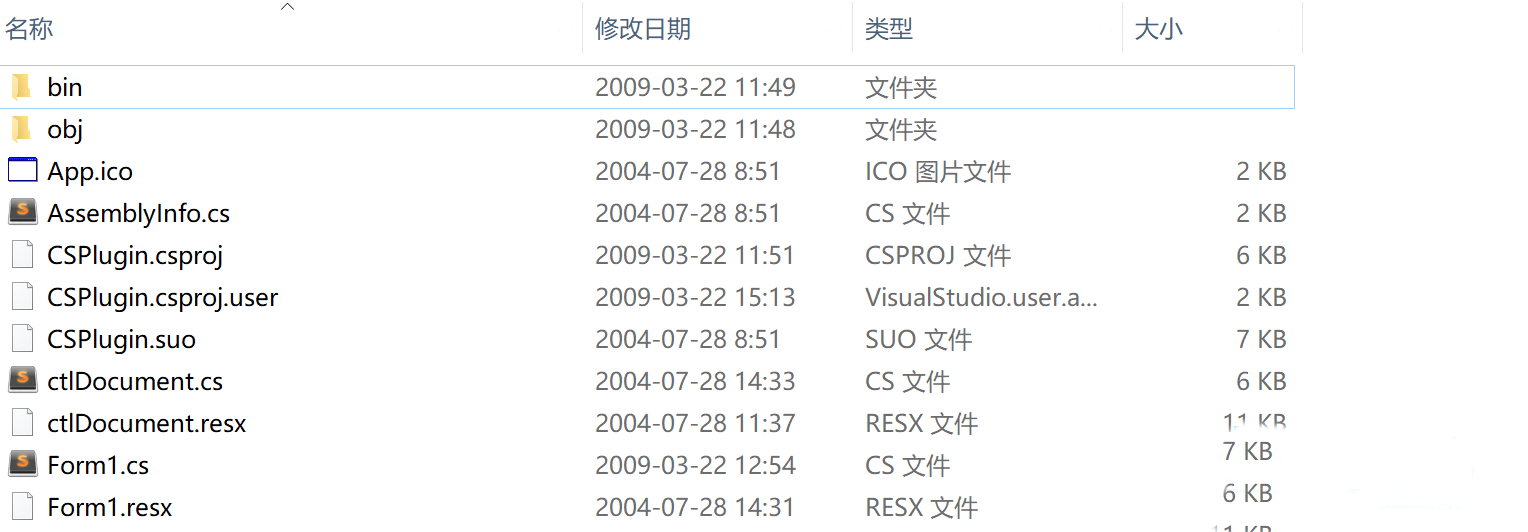 C#实现插件式开发源码
0.09MB / 09-26
 C#实现报警收集系统源码
0.91MB / 07-31
 C# 文字转语音源码
0.14MB / 07-28
 基于C#语言开发文件上传、后缀名称判别功能
 20KB / 07-26
 C#图片去背景示例源码
113KB / 07-24

-

C# 滚动字幕实例源码下载 C#源码 / 0.07MB
-
NanUI WinForms最新界面框架 v0.9.109 C#源码 / 50.75MB
-

C#实现不同FTP文件的复制开发实例 C#源码 / 3.76KB
-
c#计算两个时间差开发实例 C#源码 / 0.02MB
-
C#激光打码开发实例 C#源码 / 0.03MB
-
modbus tcp编程实例开发 C#源码 / 0.09MB
-
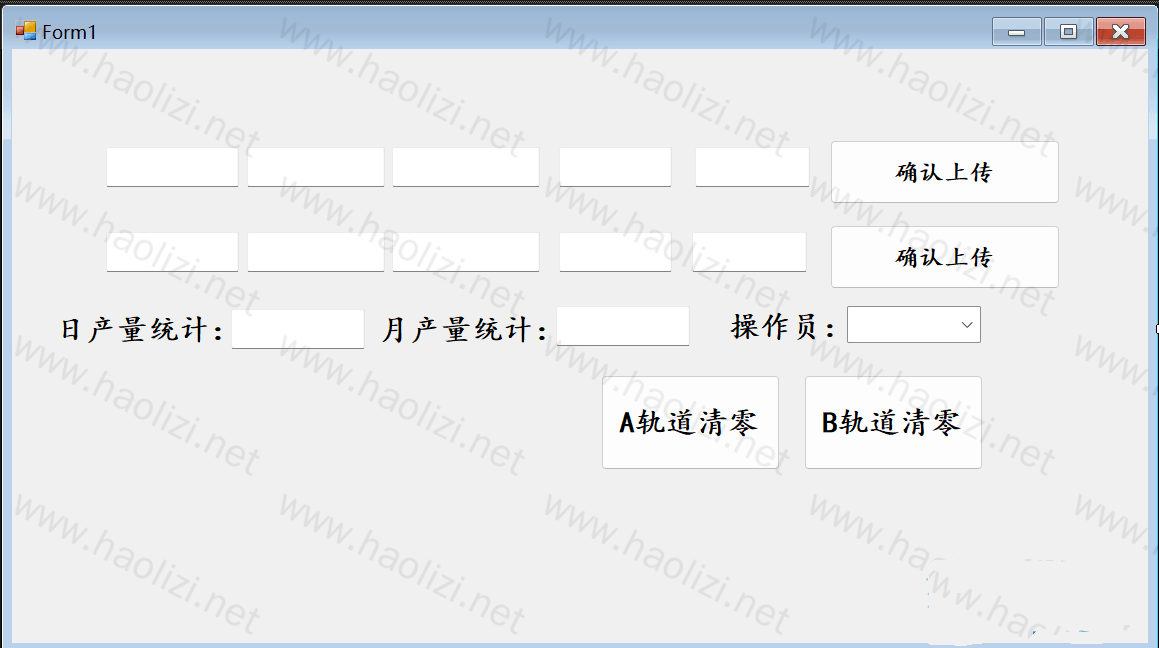
C#窗体控件自适应屏幕大小开发实例 C#源码 / 0.05MB
-
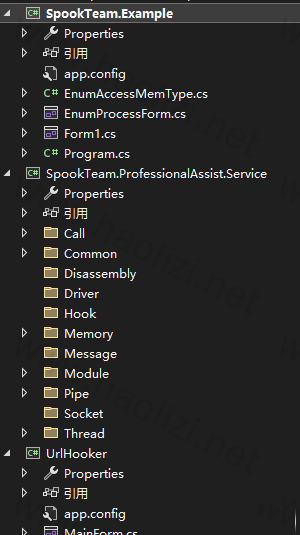
亲自写的内存修改的工具源码 C#源码 / 0.21MB
-
WPF CommunityToolkit.Mvvm架构实例 C#源码 / 0.04MB
-
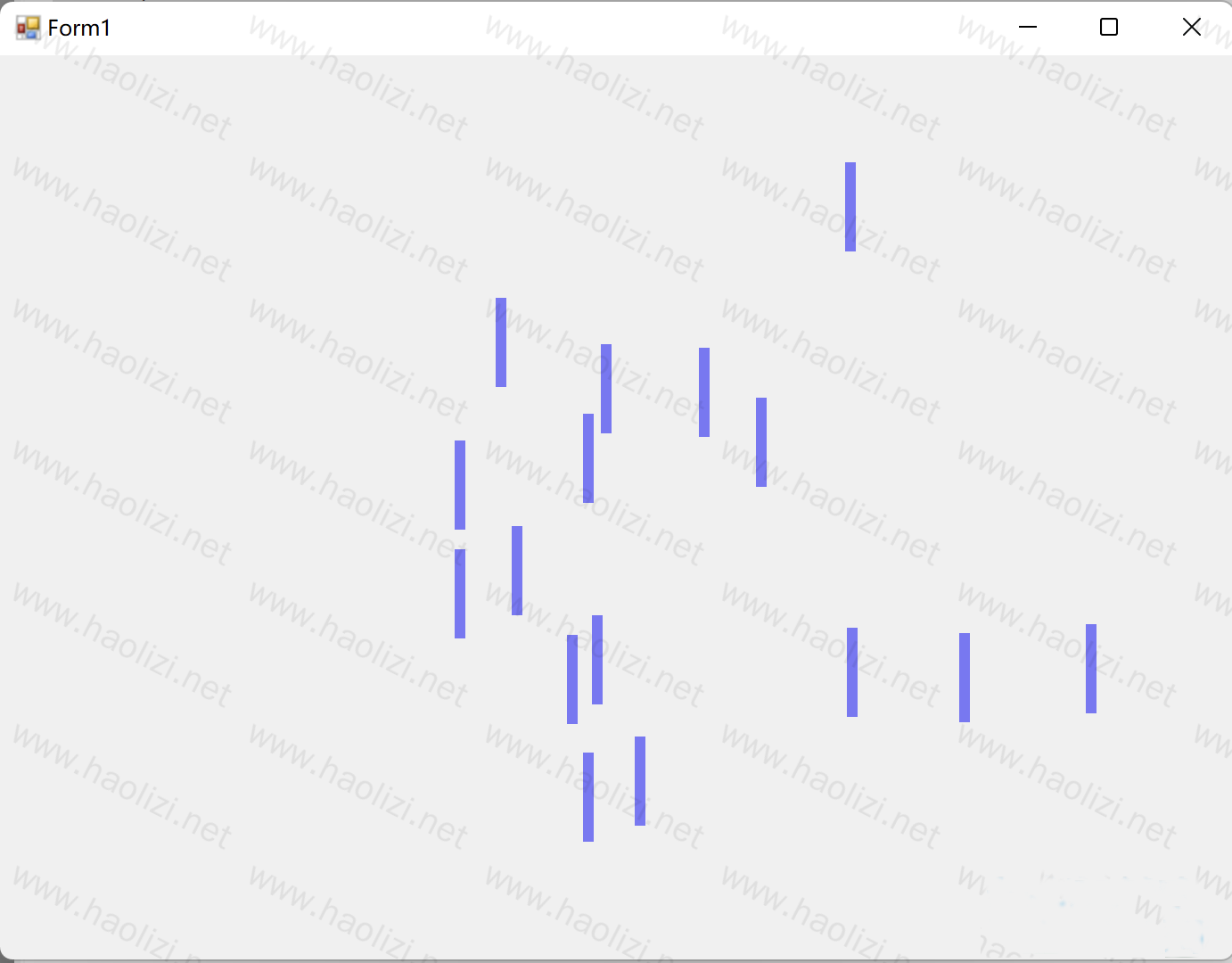
C#实现鼠标拖拽Rectangle橡皮擦功能开发实例 C#源码 / 0.07MB

详情介绍
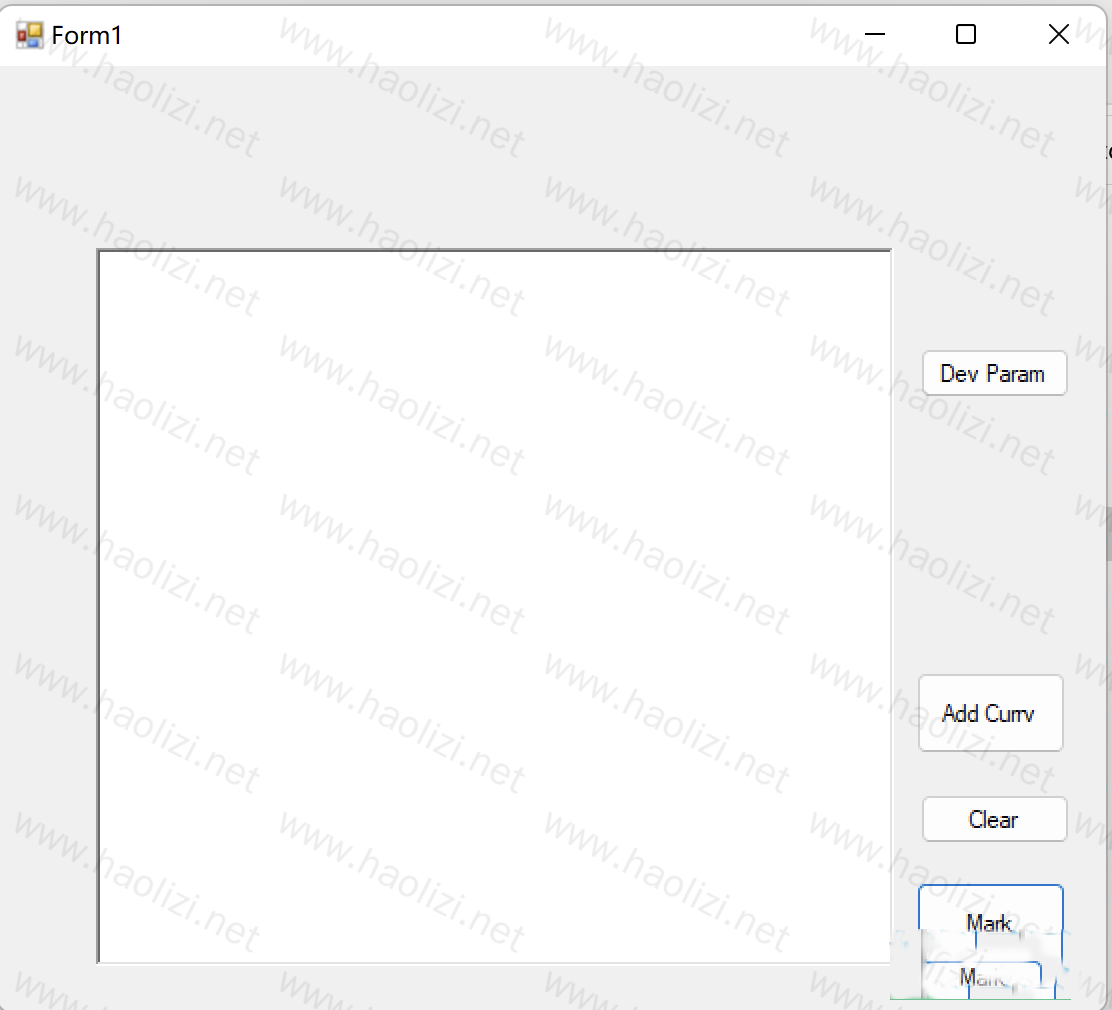
激光码(Laser Coding)通常指的是使用激光技术对物体进行编码或标记,比如在工业制造中对产品进行序列号标记。在C#中实现一个激光码的模拟或演示,我们可以使用图形库来模拟激光束的效果,并通过控制台或图形界面展示。
核心代码
using System;
using System.Collections.Generic;
using System.ComponentModel;
using System.Data;
using System.Drawing;
using System.Linq;
using System.Text;
using System.Windows.Forms;
using System.Runtime.InteropServices;
using LmcLib;
namespace Ezcad_Funtion_Show
{
    public partial class Form1 : Form
    {
        public Form1()
        {
            InitializeComponent();
        }
        private void button1_Click(object sender, EventArgs e)
        {
            OpenFileDialog dlg = new OpenFileDialog();
            dlg.InitialDirectory = Environment.GetFolderPath(Environment.SpecialFolder.MyDocuments);
            dlg.Filter = "Ezd files (*.ezd)|*.ezd";
            if (dlg.ShowDialog() == DialogResult.OK)
            {
                textBox1.Text = dlg.FileName;
            }
        }
        public void ShowPreviewBmp()
        {
            int w = pictureBox1.Size.Width;
            int h = pictureBox1.Size.Height;
            if (w > h)
            {
                w = h;
            }
            else
            {
                h = w;
            }
            pictureBox1.Image = MarkEzdDll.GetCurPreviewImage(w, h);
        }
        private void Form1_Load(object sender, EventArgs e)
        {
            try
            {
                String dir = Application.StartupPath;
                int nErr = MarkEzdDll.Initialize(dir, false);
                MessageBox.Show("Initial=" nErr.ToString());
            }
            catch (Exception ex)
            {
                MessageBox.Show(ex.Message);
                this.Close();
            }
        }
        private void button2_Click(object sender, EventArgs e)
        {
            if (!backgroundWorker1.IsBusy)
            {
                backgroundWorker1.RunWorkerAsync();
            }
        }
        private void backgroundWorker1_DoWork(object sender, DoWorkEventArgs e)
        {
            int nErr = MarkEzdDll.Mark(false);
            //MessageBox.Show("Mark="   nErr.ToString());
        }
        private void backgroundWorker1_RunWorkerCompleted(object sender, RunWorkerCompletedEventArgs e)
        {
            //MessageBox.Show("Finish");
            //button8_Click(sender, e);
            ShowPreviewBmp();
        }
        private void Form1_FormClosed(object sender, FormClosedEventArgs e)
        {
            MarkEzdDll.Close();
        }
        private void button4_Click(object sender, EventArgs e)
        {
            MarkEzdDll.SetDevCfg();
        }
        private void button3_Click(object sender, EventArgs e)
        {
          MarkEzdDll.ChangeTextByName(textBox2.Text, textBox3.Text);
        }
        private void button6_Click(object sender, EventArgs e)
        {
            MarkEzdDll.ClearLibAllEntity();
            ShowPreviewBmp();
        }
        private void button5_Click(object sender, EventArgs e)
        {
            /// <summary>
            /// 向数据库添加一条曲线对象
            /// 注意PtBuf必须为2维数组,且第一维为2,如 double[5,2],double[n,2],
            /// ptNum为PtBuf数组的第2维,如PtBuf为double[5,2]数组,则ptNum=5
            /// </summary>
            ///
            double[,] PtBuf = { { 0,0 }, { 10,0 }, { 10,10 }, { 0,10}, { 0,0 } };//10x10的矩形
            MarkEzdDll.AddCurveToLib(PtBuf, 5, "Curve", 0, 0);
            ShowPreviewBmp();
        }
        private void button7_Click(object sender, EventArgs e)
        {
            OpenFileDialog dlg = new OpenFileDialog();
            dlg.InitialDirectory = Environment.GetFolderPath(Environment.SpecialFolder.MyDocuments);
            dlg.Filter = "Ezd files (*.ezd)|*.ezd";
            if (dlg.ShowDialog() == DialogResult.OK)
            {
                textBox4.Text = dlg.FileName;
            }
        }
        bool test = false;
        private void button8_Click(object sender, EventArgs e)
        {
            if (test)
            {
                if (MarkEzdDll.LoadEzdFile(textBox1.Text) != 0)
                {
                    MessageBox.Show("打开Ezd文件"   textBox1.Text   "失败!");
                }
                else
                {
                    test = false;
                }
            }
            else
            {
                if (MarkEzdDll.LoadEzdFile(textBox4.Text) != 0)
                {
                    MessageBox.Show("打开Ezd文件"   textBox4.Text   "失败!");
                }
                else
                {
                    test = true;
                }
            }
            ShowPreviewBmp();
        }
    }
    public class MarkEzdDll
    {
        /// <summary>
        /// 初始化函数库
        /// PathName 是MarkEzd.dll所在的目录
        /// </summary>
        [DllImport("MarkEzd", EntryPoint = "lmc1_Initial2", CharSet= CharSet.Unicode,CallingConvention = CallingConvention.StdCall)]
        public static extern int Initialize(string PathName,bool bTestMode);
        [DllImport("MarkEzd", EntryPoint = "lmc1_SetDevCfg", CharSet = CharSet.Unicode, CallingConvention = CallingConvention.StdCall)]
        public static extern int SetDevCfg();
        [DllImport("MarkEzd", EntryPoint = "lmc1_Close",CharSet= CharSet.Unicode, CallingConvention = CallingConvention.StdCall)]
        public static extern int Close();
        [DllImport("MarkEzd", EntryPoint = "lmc1_LoadEzdFile", CharSet= CharSet.Unicode,CallingConvention = CallingConvention.StdCall)]
        public static extern int LoadEzdFile(string FileName);
        [DllImport("MarkEzd", EntryPoint = "lmc1_Mark",CharSet= CharSet.Unicode, CallingConvention = CallingConvention.StdCall)]
        public static extern int Mark(bool Fly);
       [DllImport("MarkEzd", EntryPoint = "lmc1_ChangeTextByName", CharSet = CharSet.Unicode, CallingConvention = CallingConvention.StdCall)]
        public static extern int ChangeTextByName(string EntName, string NewText);
        [DllImport("gdi32.dll")]
        internal static extern bool DeleteObject(IntPtr hObject);
        [DllImport("MarkEzd", EntryPoint = "lmc1_GetPrevBitmap2", CharSet = CharSet.Unicode, CallingConvention = CallingConvention.StdCall)]
        internal static extern IntPtr GetCurPrevBitmap(int bmpwidth, int bmpheight);
        public static Image GetCurPreviewImage(int bmpwidth, int bmpheight)
        {
            IntPtr pBmp = GetCurPrevBitmap(bmpwidth, bmpheight);
            Image img = Image.FromHbitmap(pBmp);
            MarkEzdDll.DeleteObject(pBmp);
            return img;
        }
        [DllImport("MarkEzd", EntryPoint = "lmc1_AddCurveToLib", CharSet = CharSet.Unicode, CallingConvention = CallingConvention.StdCall)]
        public static extern int AddCurveToLib([MarshalAs(UnmanagedType.LPArray)] double[,] PtBuf, int ptNum, string strEntName, int nPenNo, int bHatch);
        [DllImport("MarkEzd", EntryPoint = "lmc1_ClearEntLib", CharSet = CharSet.Unicode, CallingConvention = CallingConvention.StdCall)]
        public static extern int ClearLibAllEntity();
    }
}下载地址
人气源码
相关文章
-
泰顶项目管理软件(全功能开源版) v2025.04
泰顶项目管理软件[综合平台],始于2010年,具有强大的项目计划和流程管控功能,上千用户使用,模块俱全,架构灵活,成熟可靠,适用于多个行业的专业的项目管理软件平台...
-
DBCHM beta数据库文档生成工具 v1.9.0.1
DBCHM 是一款简单、实用的数据库文档生成工具,该工具从最初支持chm文档格式开始,通过开源,集思广益,不断改进,本文给大家介绍DBCHM beta数据库文档生成工具 v1.9.0.1 ...
-
eCRM(E客CRM)客户关系管理系统 v1.0.16
eCRM(E客CRM)是基于eFrameWork低代码开发平台搭建的客户关系管理系统。其主要功能包括:系统管理、产品管理、产品分类、客户管理、订单管理、客户回访、通知公告、销售计划...
-
C# 绘制随机验证码开发实例
在C#中绘制验证码通常涉及到生成一组随机字符,然后将这些字符绘制到一个图像上,下面给大家分享C# 绘制随机验证码的实例,感兴趣的朋友下载体验吧...
-
Util6MIS(优六企服系统_附CMS插件及模板) v5.0 源码版
Util6MIS(优六企服系统)已集成多项插件系统,其Util6 CMS、DMS、OAS、WXS 是在信息化管理系统框架(Util6MIS)基础上开发的插件系统,欢迎需要的朋友下载使用...
-
C#实现插件式开发源码
今天给大家分享基于c#开发的插件式源码,喜欢的朋友快来下载体验吧...
-
C#实现报警收集系统源码
今天给大家分享的是一款基于C#实现报警收集系统源码,非常不错,喜欢的朋友快来下载体验吧...
-
C# 文字转语音源码
今天给大家分享的实例代码是C# 文字转语音源码,喜欢的朋友快来下载体验吧...
-
基于C#语言开发文件上传、后缀名称判别功能
今天给大家分享基于c#语言开发的文件上传、后缀名称判别功能,喜欢的朋友快来下载使用吧...
-
C#图片去背景示例源码
今天给大家分享基于c#实现图片去背景示例源码,喜欢的朋友快来下载体验吧...
下载声明
☉ 解压密码:www.jb51.net 就是本站主域名,希望大家看清楚,[ 分享码的获取方法 ]可以参考这篇文章
☉ 推荐使用 [ 迅雷 ] 下载,使用 [ WinRAR v5 ] 以上版本解压本站软件。
☉ 如果这个软件总是不能下载的请在评论中留言,我们会尽快修复,谢谢!
☉ 下载本站资源,如果服务器暂不能下载请过一段时间重试!或者多试试几个下载地址
☉ 如果遇到什么问题,请评论留言,我们定会解决问题,谢谢大家支持!
☉ 本站提供的一些商业软件是供学习研究之用,如用于商业用途,请购买正版。
☉ 本站提供的C#激光打码开发实例资源来源互联网,版权归该下载资源的合法拥有者所有。